Figma has revolutionised the modern world of UI and UX development, enabling designers to collaborate and create in real time. Be it wireframes, UIs, or handing off to developers, Figma has turned out to be a game-changer in the world of creativity.
But do you know what makes it more powerful? It is the ability to choose from and integrate a wide range of plugins into its system. And guess what, some of them are absolutely free of cost.
What are Figma Plugins?
Figma plugins are simply add-ons that extend the functionality of the tool. Be it illustrations or icons, colour to accessibility checker, you have a plugin for every need. Helping you with task automations, adding creative elements to your design, and optimising your workflow.
In this article, we will discuss a few Figma plugins that are free of cost and will help you unleash your creativity for sure.
1. Content Reel
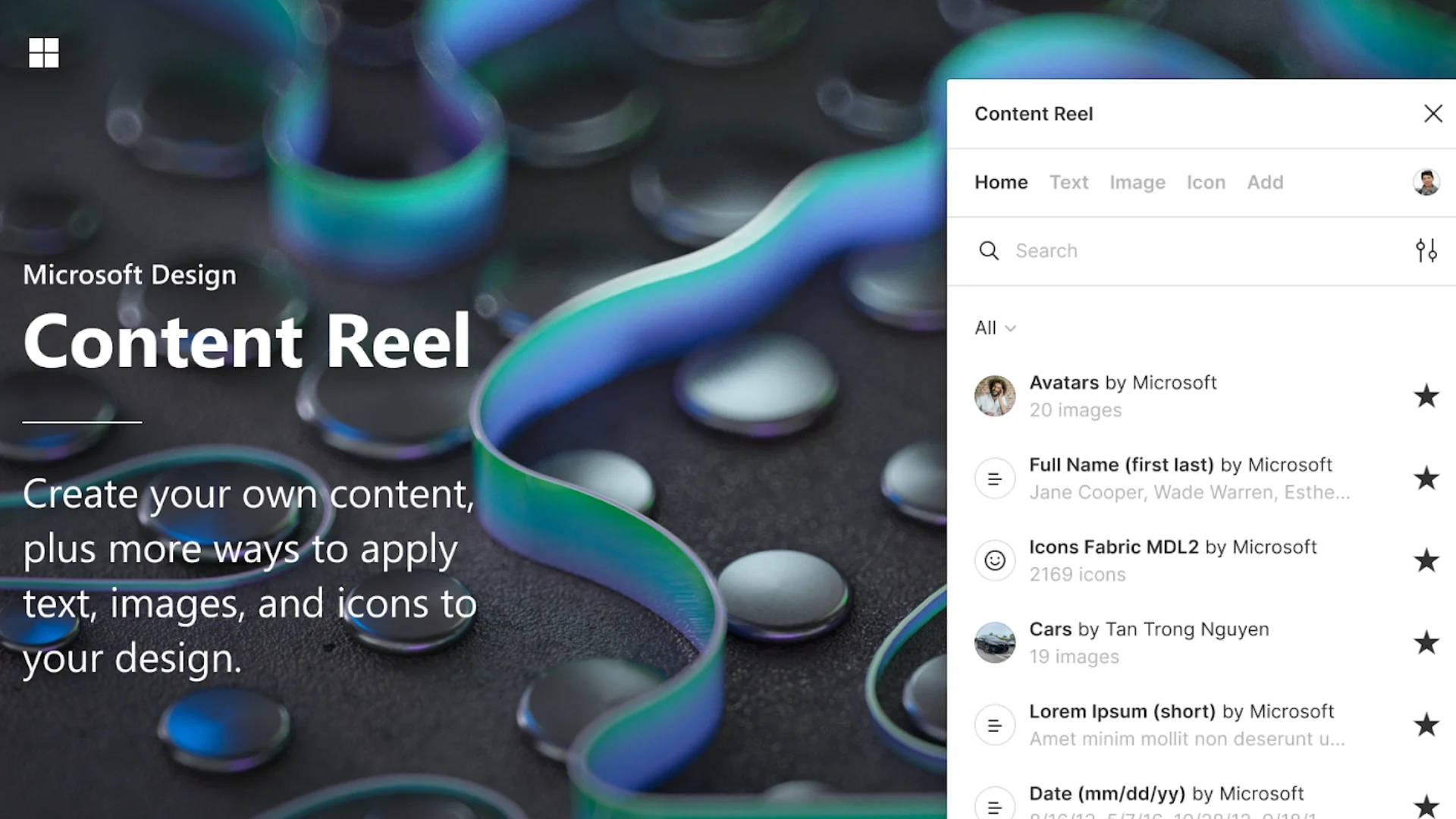
Created by Microsoft, Content Reel is a plugin that helps you integrate text, avatars, and icons into your design quite easily.
It allows you to choose the type of content you want to pull into your design from its library and also helps you create and save your own custom-made content.
Best For: Product designers, website UI/UX designers, and anyone working on wireframes and mockups.
2. Lorem Ipsum
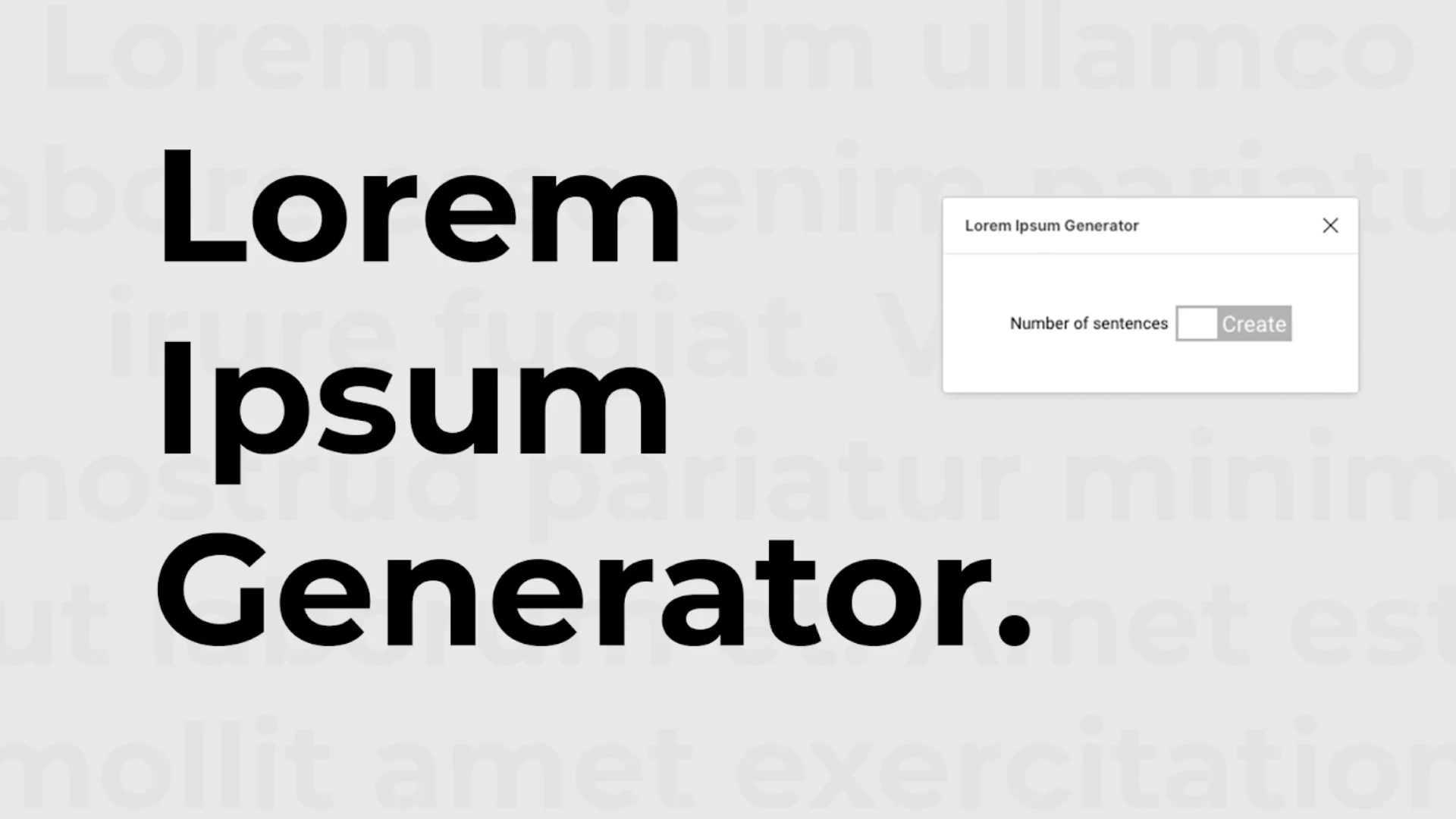
Lorem Ipsum is a sample placeholder plugin that helps you visualise how the real content will look on the design.
Whether you are creating a website or an App mockup, this plugin is quite handy to generate dummy content in your design if the actual content is not ready yet.
Best for: UX/UI designers, freelancers, and developers seeking placeholder content during the design phase.
3. Iconify
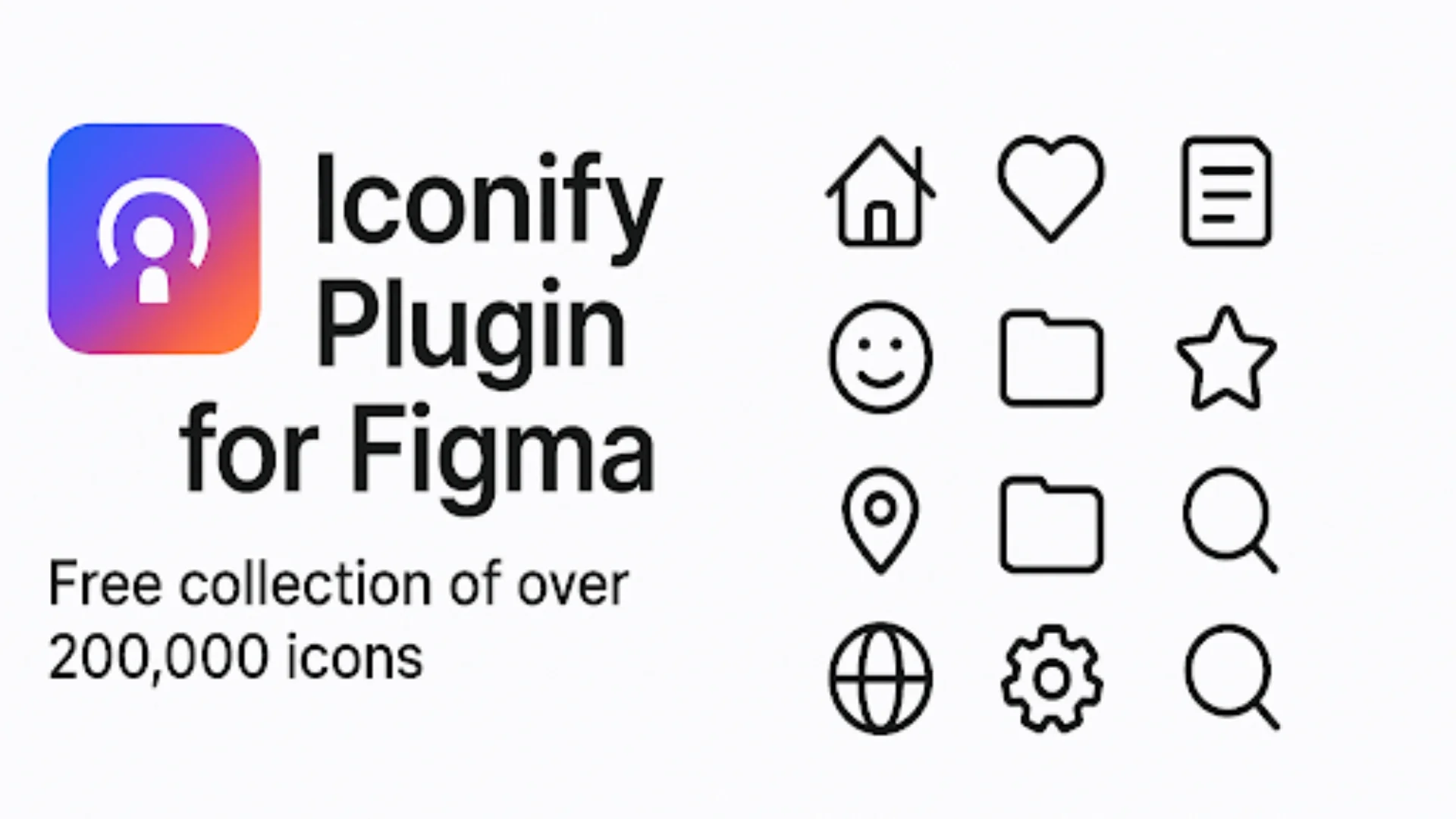
Iconify is a vast library of icons that offers more than one lakh free icons from open sources like Material Icons, FontAwesome, Feather, and more. It’s a must-have plugin if you are looking for icons that align with your style, real quick for a “Quickstart”.
With Iconify, you can say goodbye to navigating to different third-party websites just to find the right icon. It keeps your design style consistent across even the largest projects, making it a go-to for teams building polished interfaces.
Best For: UI designers, developers, and anyone who relies on consistency and scalable iconography.
4. Wireframe
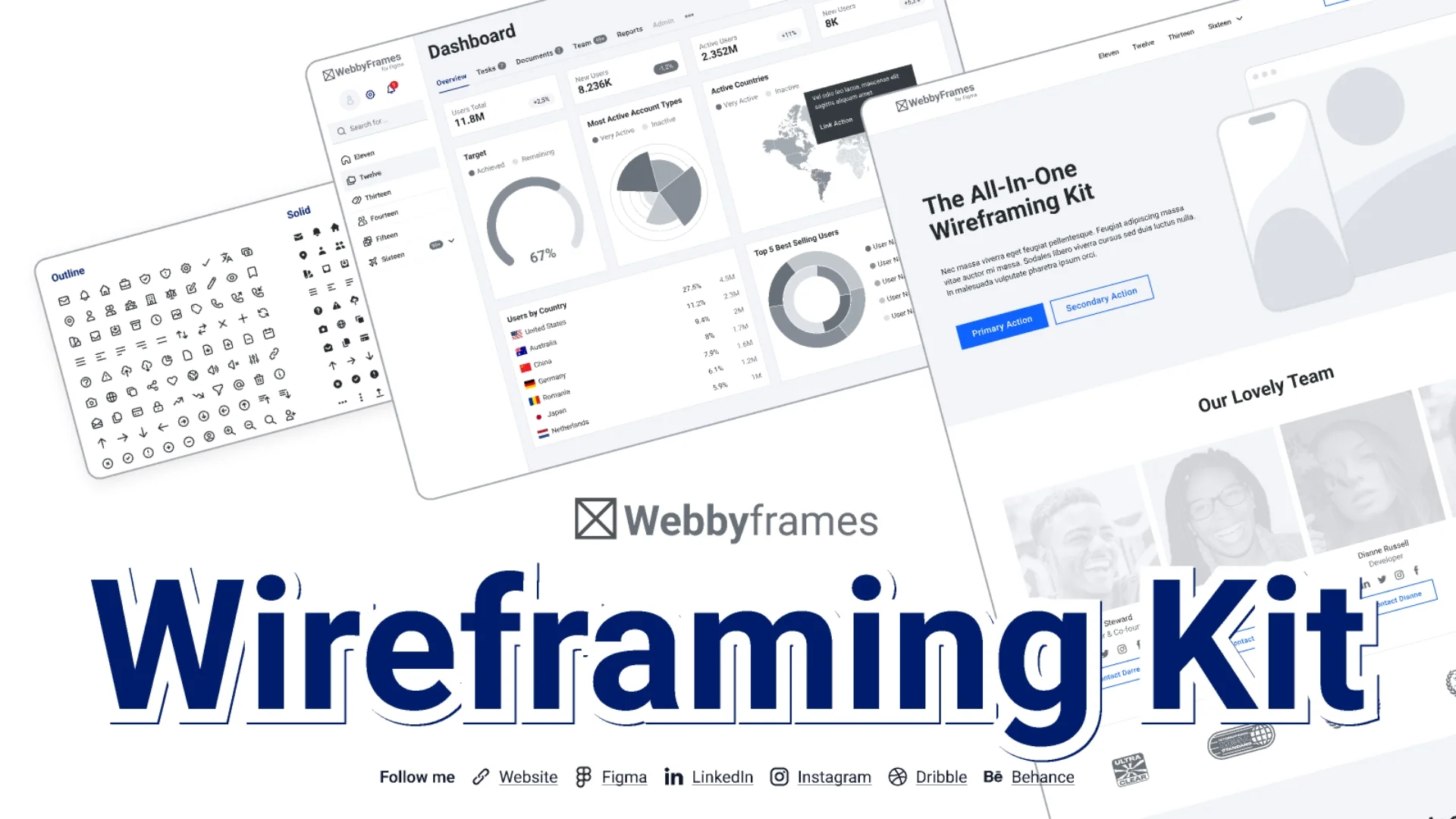
The Wireframe plugin is a drag-and-drop library of pre-built components like headers, footers, navigation bars, content blocks, and buttons. It’s a perfect tool for designing a mock-up of a website or app.
It eases out the brainstorming and planning phase by simply helping you get the ideas out of your head and put them in your design.
Best For: Anyone who wants a quick visualisation of website or app layouts.
5. AutoFlow
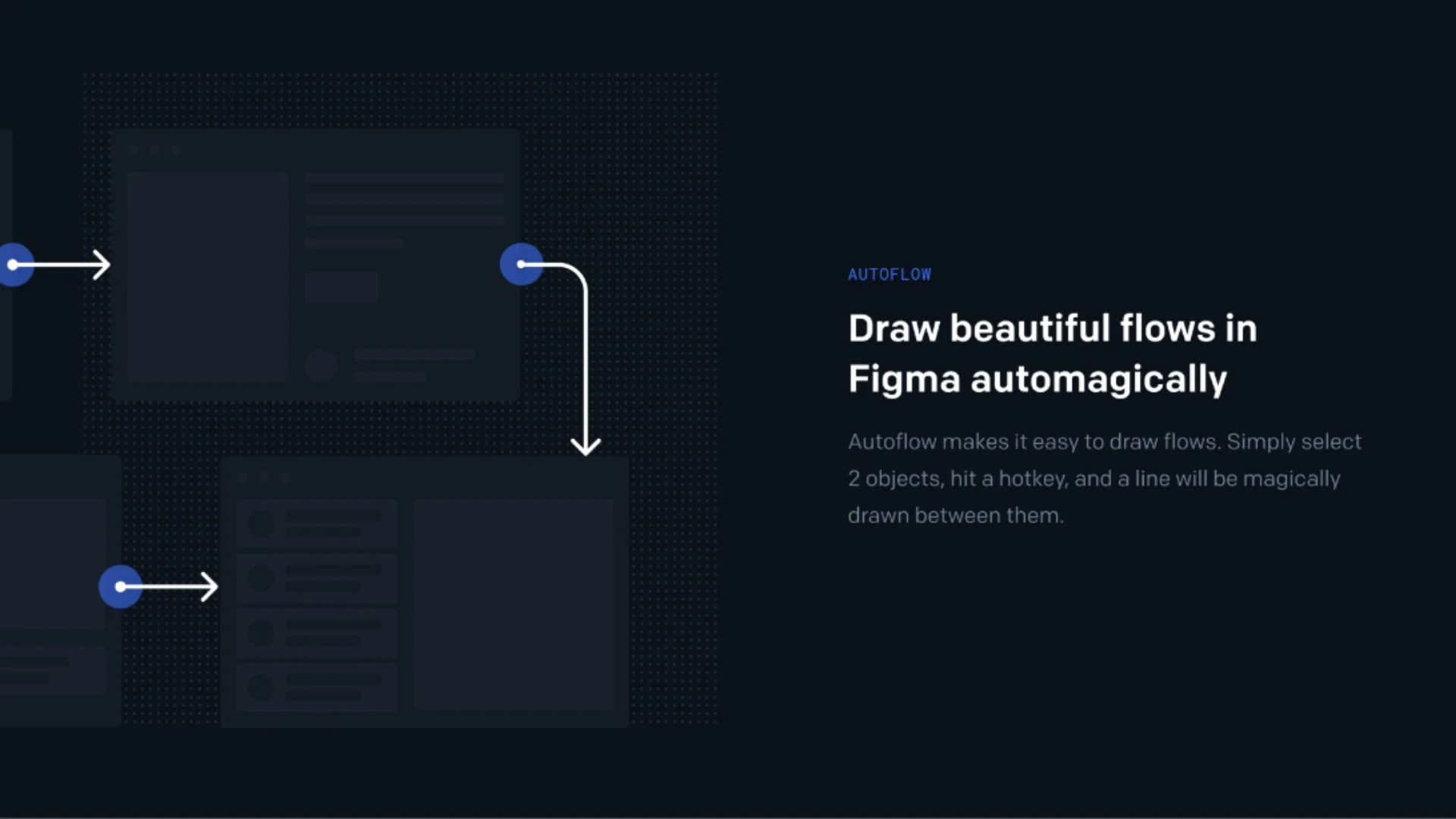
Autoflow is a great plugin for mapping out user flows, navigation paths, and wireframe relationships. It simplifies how users navigate through a product. It removes the hassle of manually drawing lines, allowing designers to quickly connect screens and components with just a few clicks.
Whether you're creating a simple login flow or a multi-page prototype, Autoflow helps you lay out the logic with clean, visually clear connectors.
Best For: UX designers, product teams, and anyone creating a flow diagram, wireframe, or multi-page prototype.
6. ColorWell
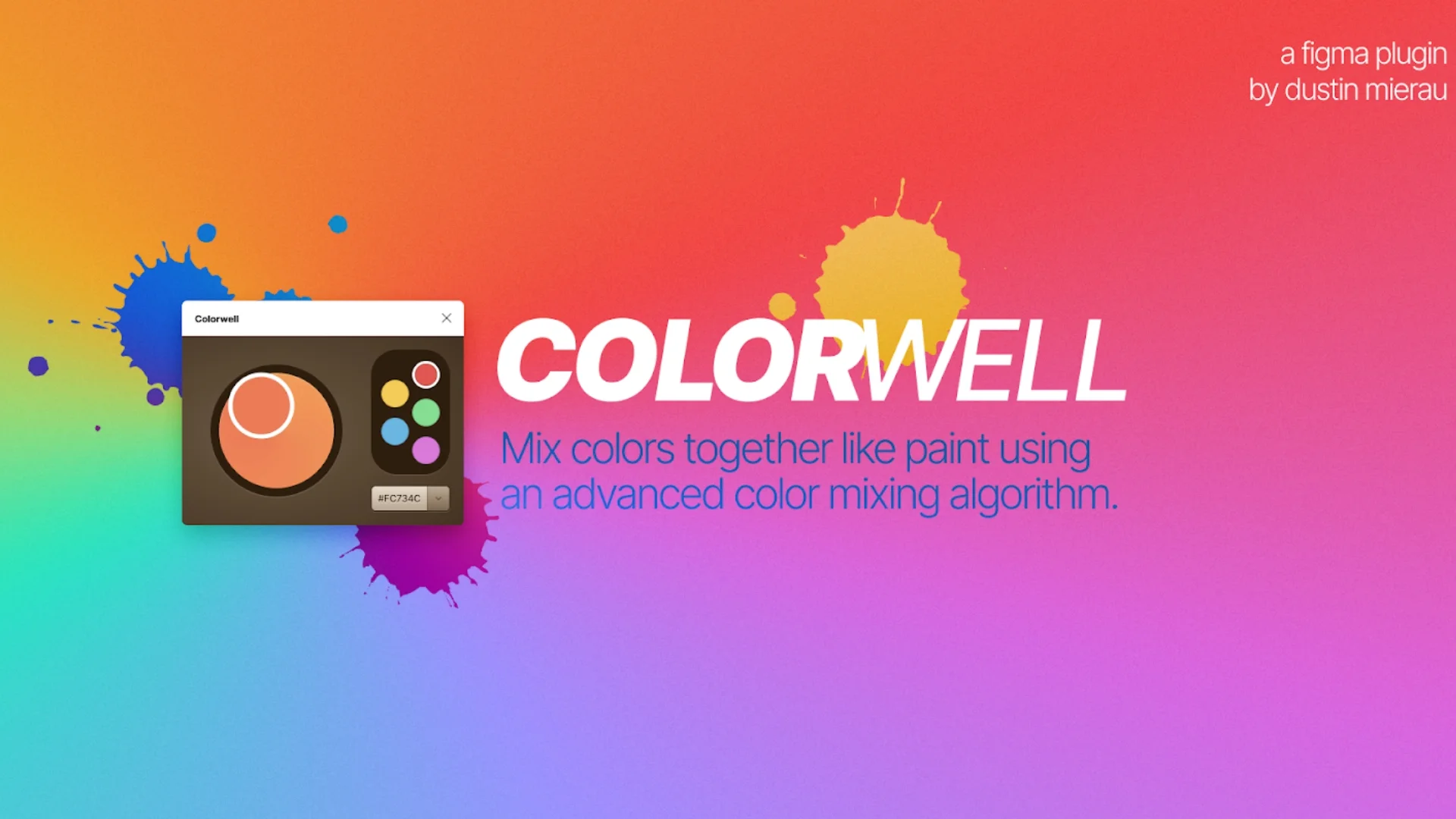
Best for mixing colours, ColorWell is a powerful plugin that helps you keep a consistent color palette in your design. Whether you are working on a fresh design or trying to fix the color combination of an existing design, this plugin gives you full control over your color selection and organisation.
It also helps you with colour importing, custom colour palette creation, and seamless integration into your workflow.
Best For: Designers working on projects where consistent use of color is key.
7. Unsplash
Another favorite plug-in is Unsplash, allowing you to select and pull from an extensive catalog of high-resolution, royalty-free images for your design. Be it a landing page, a presentation, or a mobile application, this plugin provides an integrated way to insert images right into your design, without the need to download.
Most Suitable For: designers who will use the graphics in banners and backgrounds. flyers and website mock-ups.
8. Stark
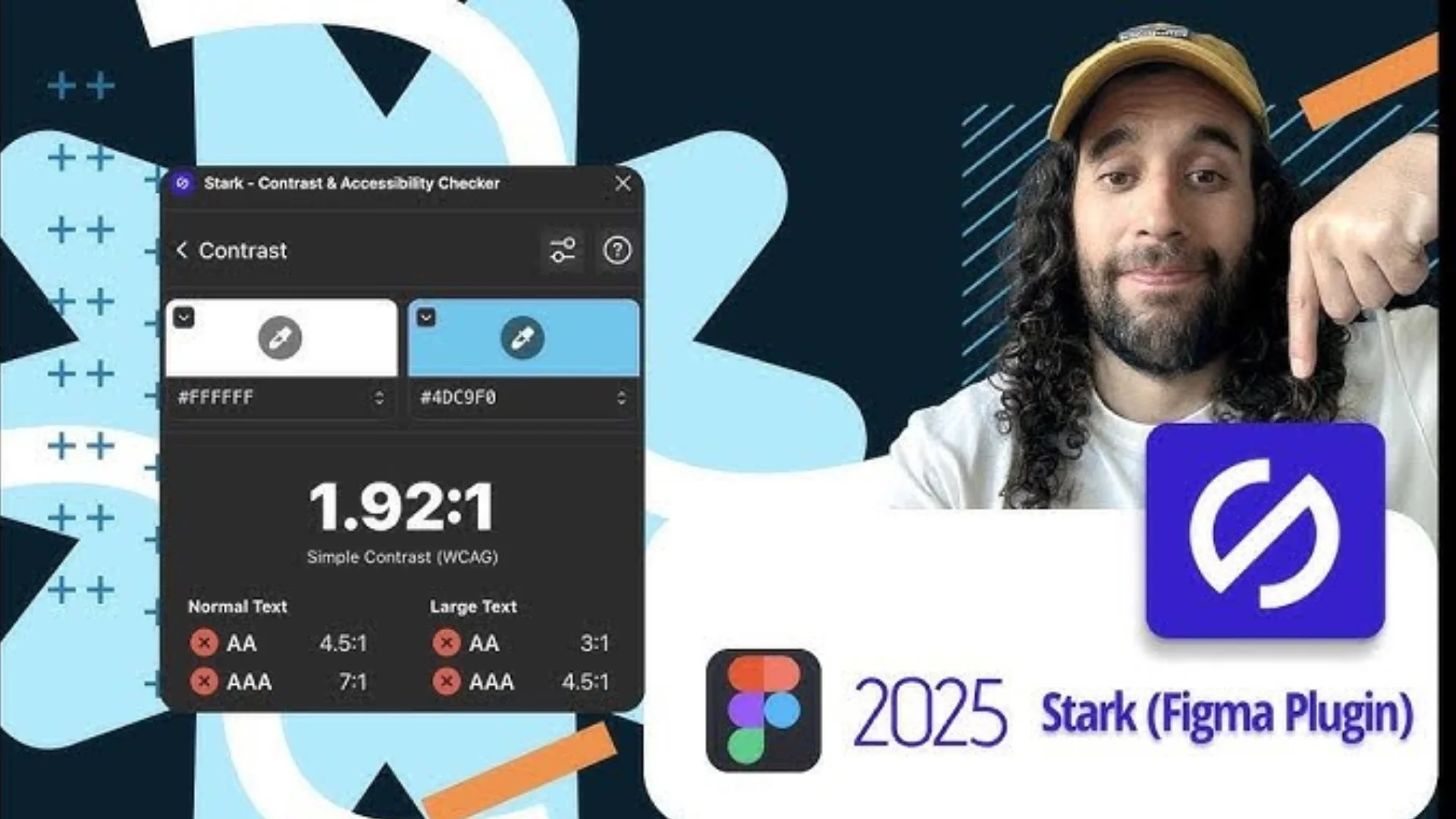
Stark is synonymous with accessibility and contrast. This plugin helps in checking contrast ratios, simulates different forms of color blindness, and ensures text and UI components remain legible and inclusive. Moreover, it allows one to remedy any defects that might otherwise alienate people with vision impairments so that designs are appealing to such a user group and compliant with processes such as the Web Content Accessibility Guidelines (WCAG) for accessibility consideration.
Best Used By: UX designers and developers in crafting designs that provide an experience to users.
9. Figmotion
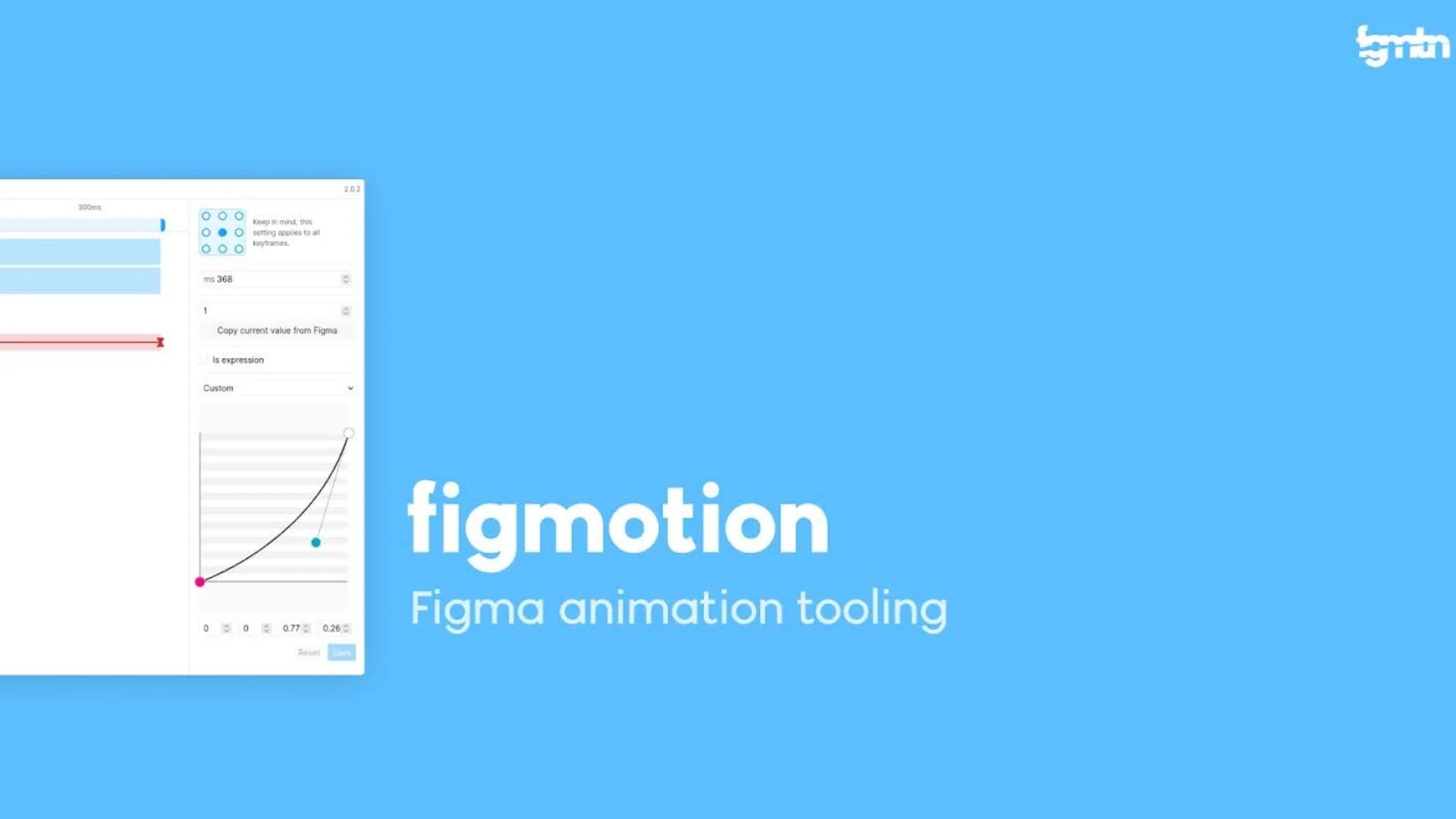
Figmotion is animating properties such as positioning, scale, rotation, and opacity so that it can convert static UIs into more interactive designs. Since it is based on web technologies, it makes the animation hand-off easier for developers. Button transitions, onboarding screen animations - keyframe animations can be created and exported for developers.
Best for: Those designers wanting to show motion design concepts directly into Figma and without using any other external animation software.
10. Image Palette
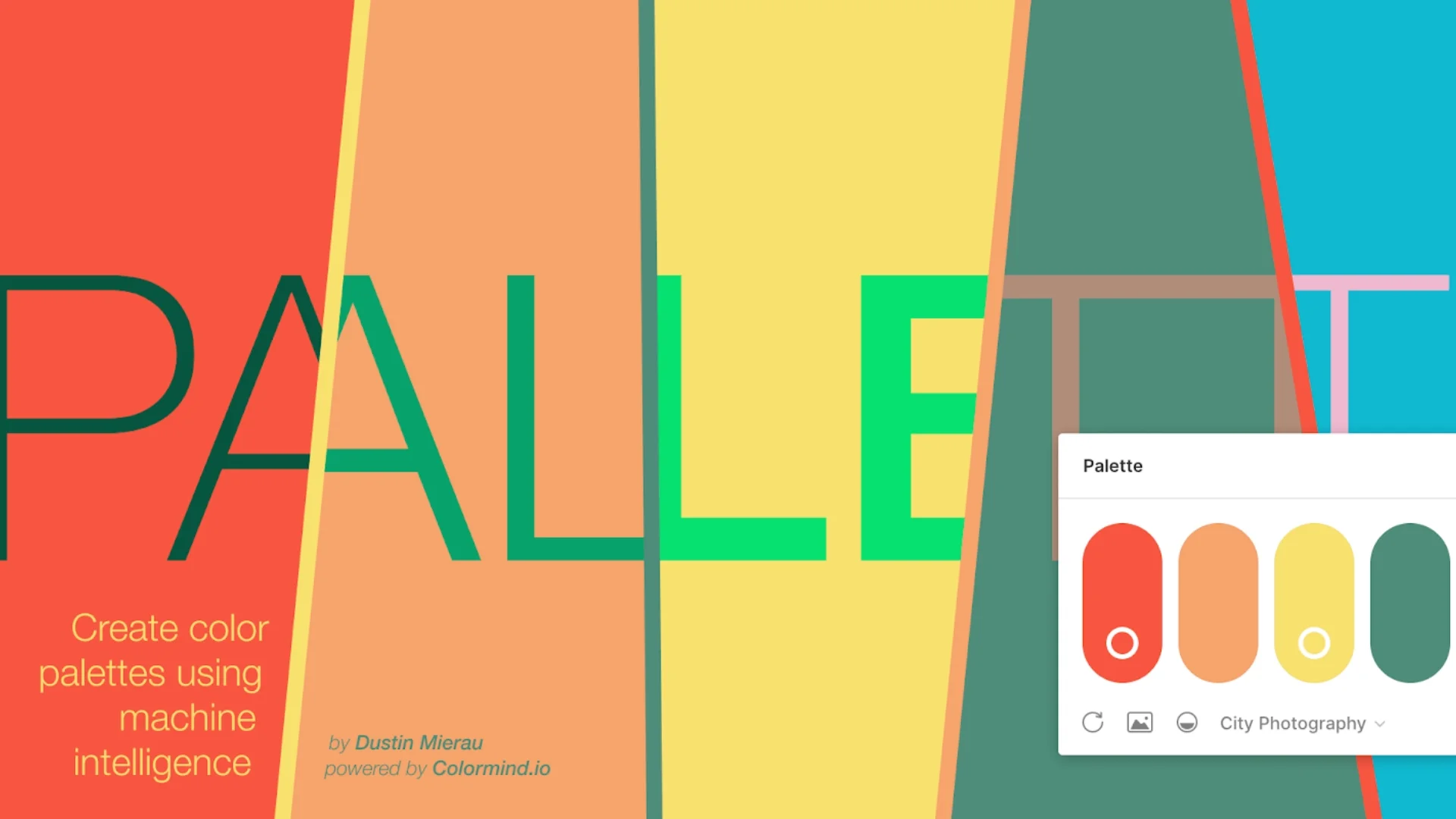
The palette image serves as the extractor of the most prominent and attractive colors from any photo. It builds color palettes in the style of a true-world image and is beneficial for mood board work, branding guideline development, and themed UIs.
Best For: Designers intending to keep aesthetic consistency in design with real images.
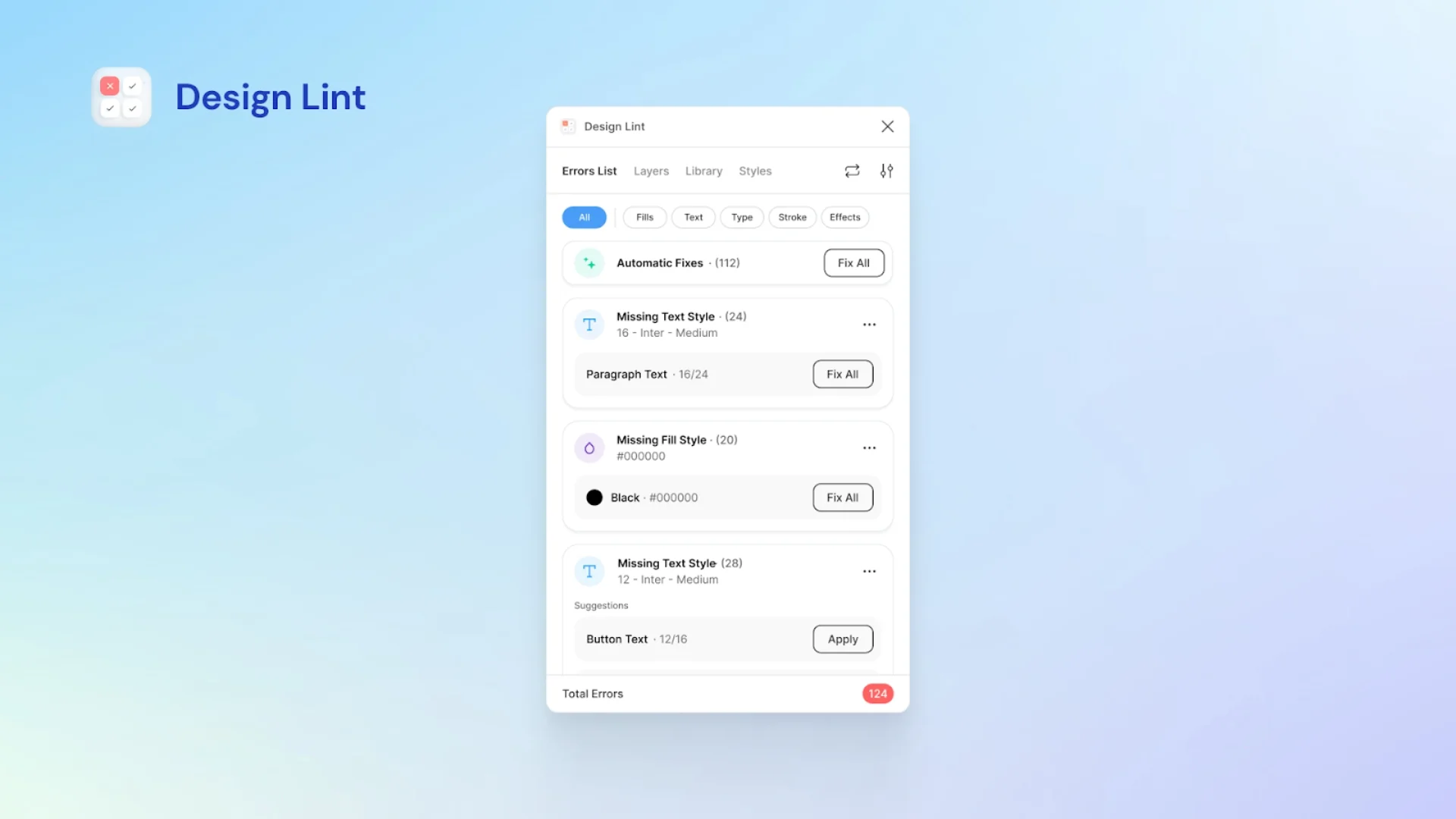
11. Design Lint
Design Lint serves as a zigzag measure tool by effectively identifying design faults such as poor alignments, missing styles, inconsistent fonts, and the like. With just a click, the issues could be checked and repaired as a whole. It ensures that the design is ready for the next stage.
Best For: Designers focused on consistent, professional, and error-free design work.
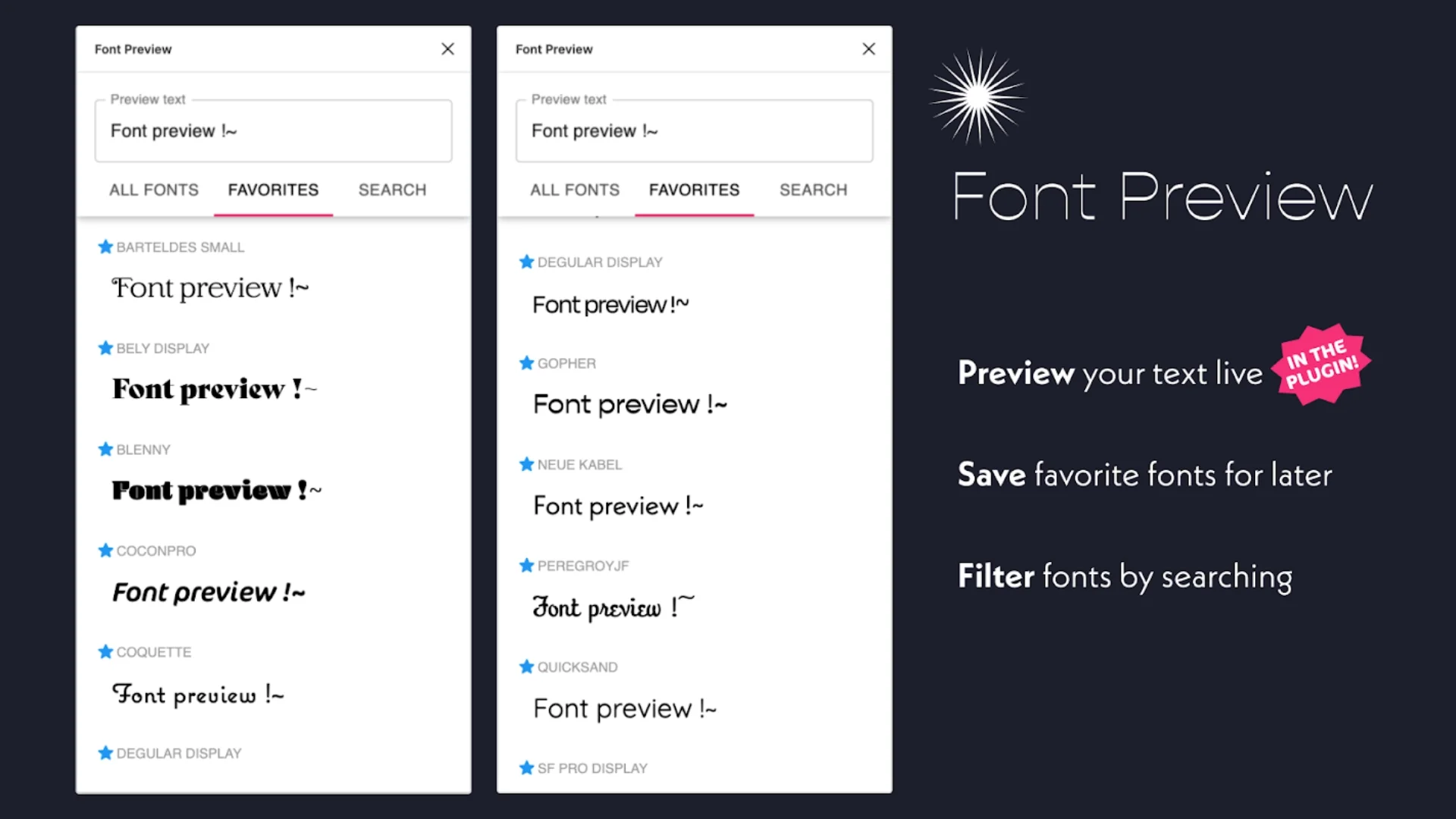
12. Font Preview
Just as the name suggests, this Font Preview plugin allows you to preview Google fonts directly in Figma without any installation before you put it in your design. Simply type your text, scroll through live previews, and choose the best one that fits your design. It's quite handy and helps save time.
Best For: UI/UX designers and branding teams testing, exploring, and applying fonts quickly and efficiently.
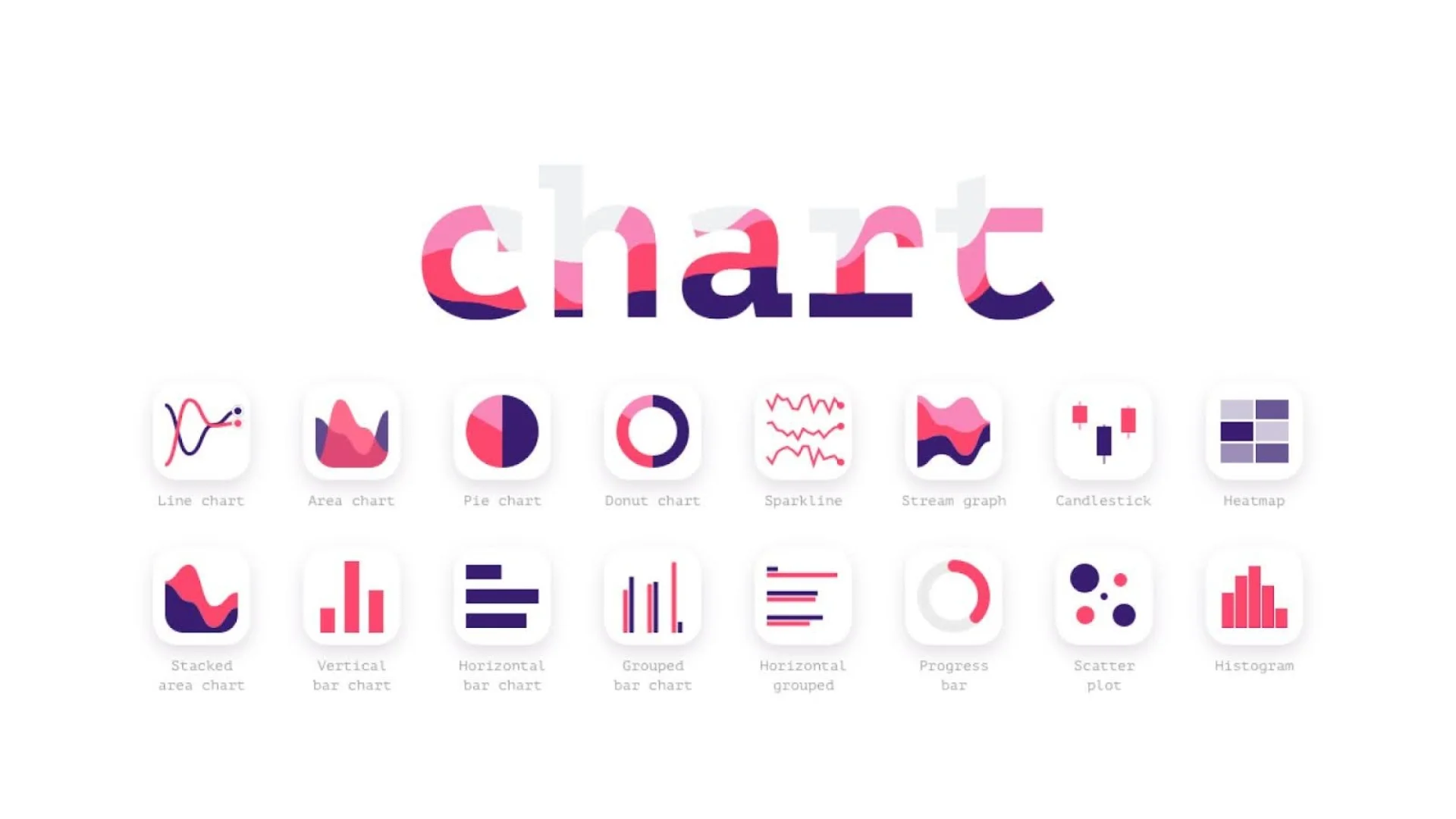
13. Charts
It is a powerful plugin that lets you generate and customize charts (bar, pie, line, area) directly in your design file. You can input real-time data from spreadsheets or use random data for quick mock-ups. It is an ideal tool for creating designs such as dashboards, reports, and analytics platforms.
Best For: Product designers and dashboard creators who need to visualize data efficiently and beautifully.
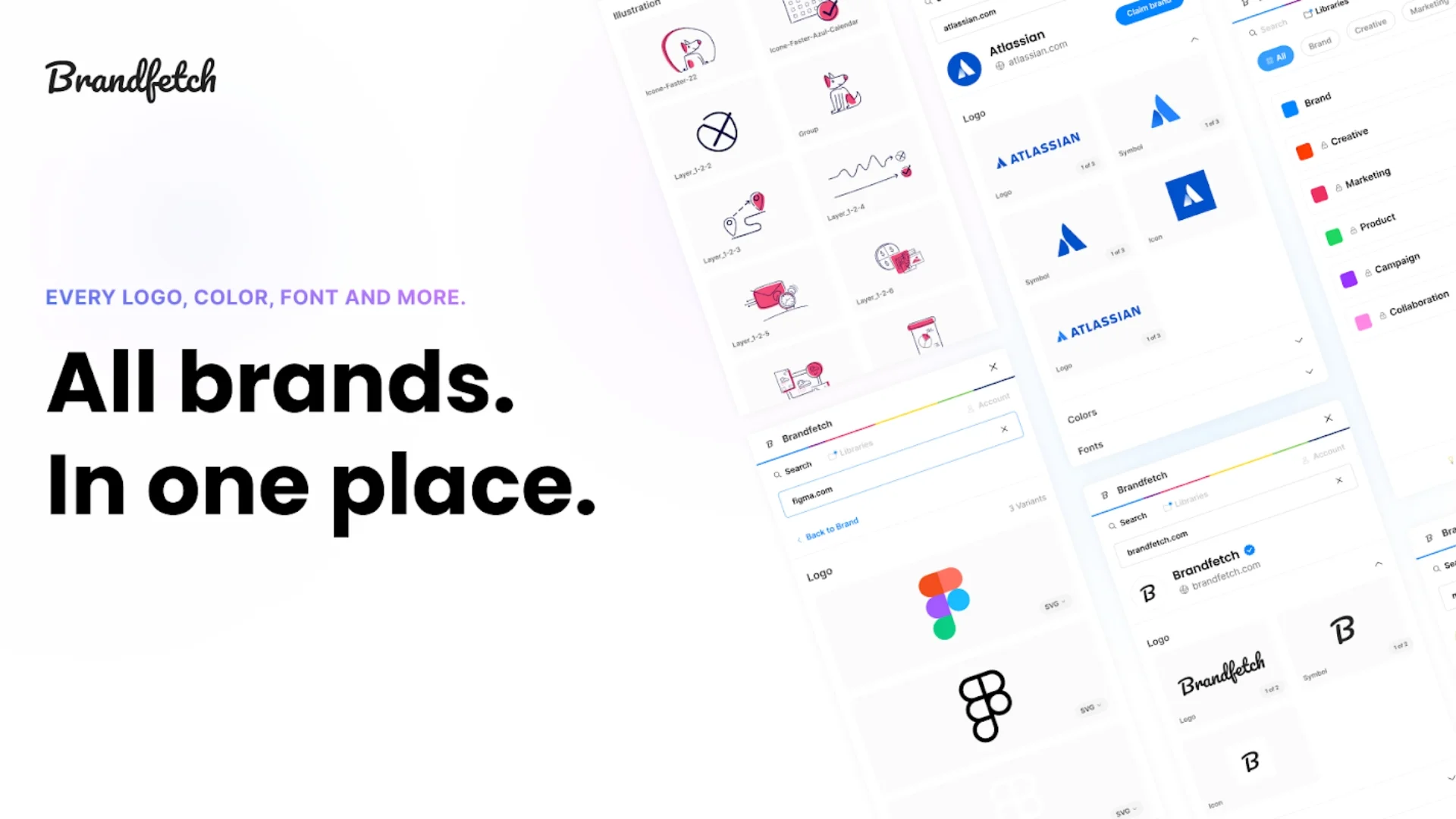
14. Brandfetch
It allows you to keep all your brandfetch assets, like logos, color palettes, fonts, etc., under a particular brand name. It saves a lot of time during competitive analysis, presentation, or building branded templates, as you will find everything under a brand name instead of manually searching for an element.
Best For: Designers and marketers working with different brands or clients.
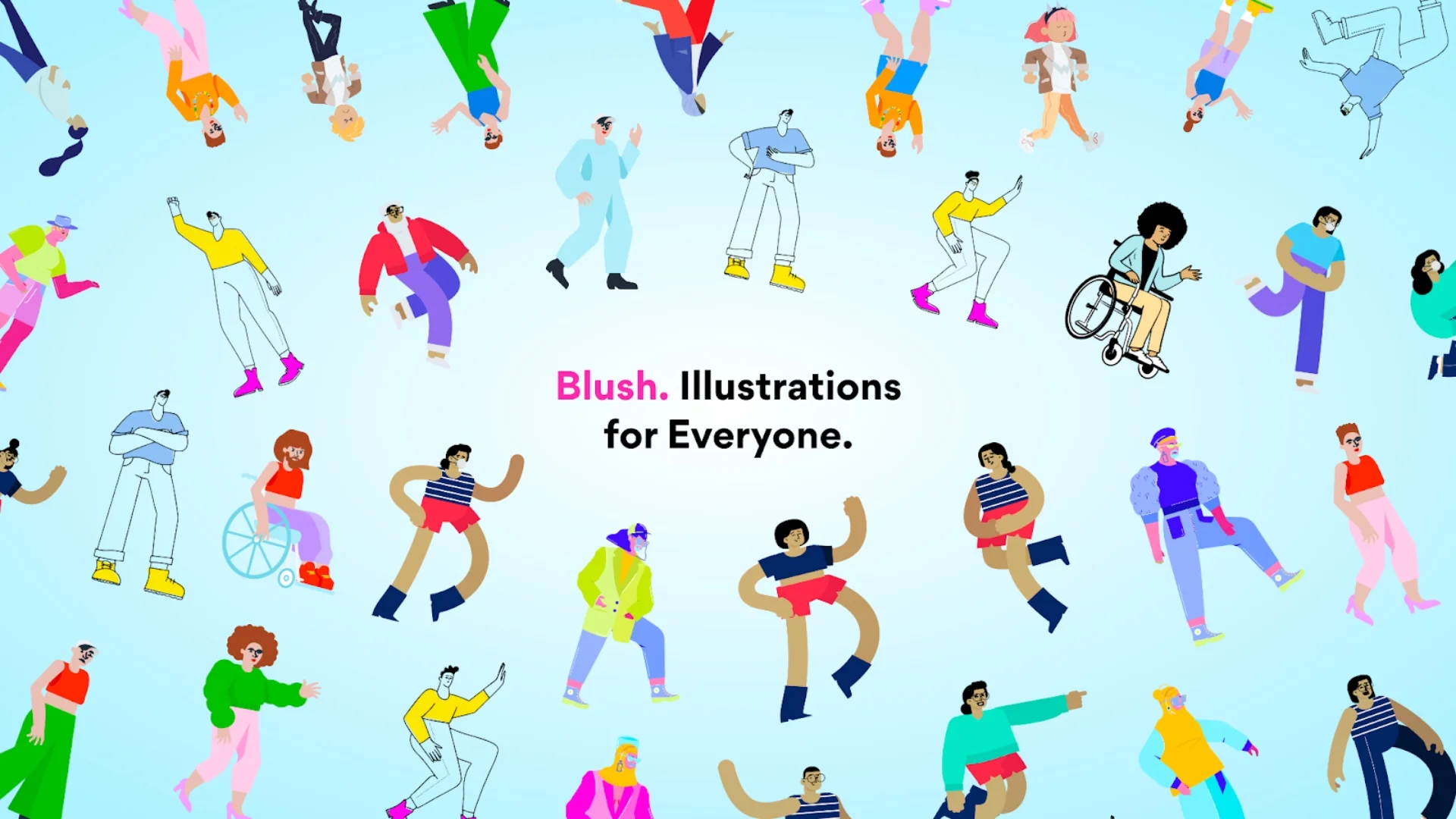
15. Blush
Blush lets you add editable illustrations from real artists. You can pick a style of your choice, adjust the characters, objects, and color. Everything stays in vector format and editable mode just inside Figma. It helps you speed up your design process without creating assets manually.
Best For: Designers building onboarding, landing pages, or UI placeholders with illustration support.
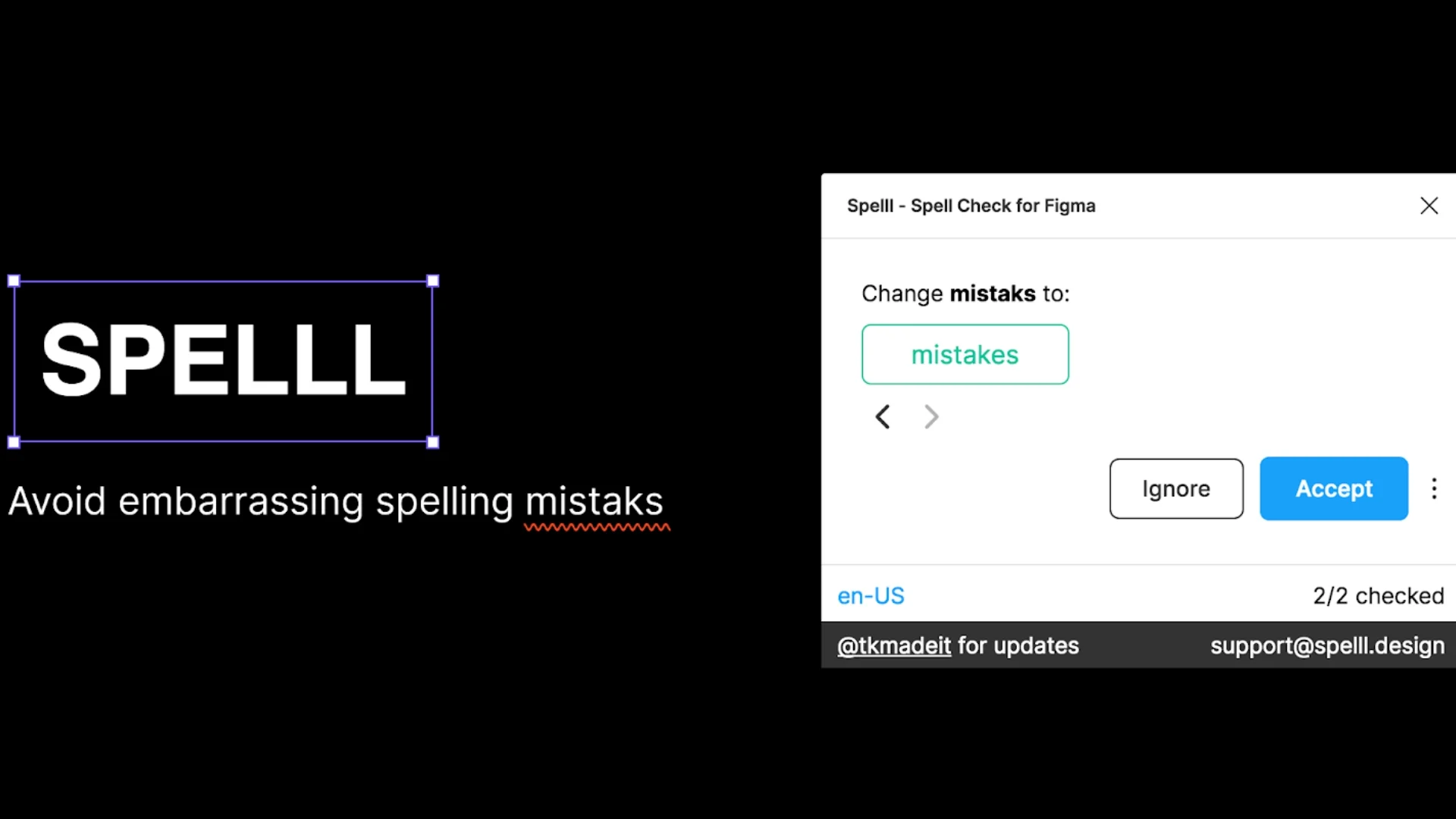
16. Spelll
This plugin scans every text layer in your file and highlights spelling and grammatical mistakes instantly. You can run Spelll across selected frames or the entire file. Also, it does a great job on buttons, labels, descriptions, and long-form content. A great tool to help clean up your design before client presentations or developer hand-offs.
Best For: Designers and content teams working on dashboards, web apps, mobile interfaces, or anything with detailed user-facing text.
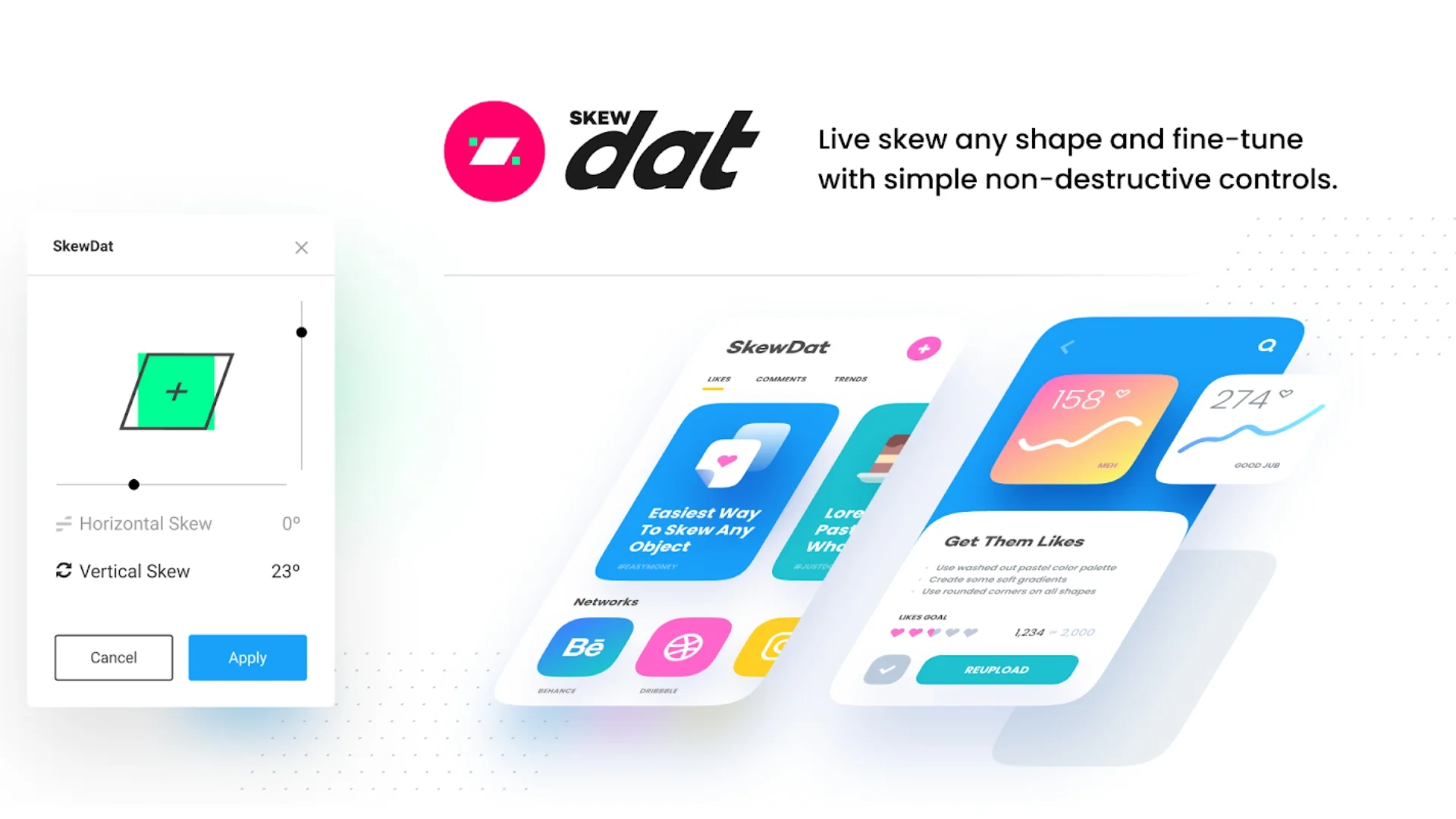
17. SkewDat
If you want to put 3D effects on your design, then this unique plugin called SkewDat would help you. It allows you to angle, rotate, and skew any shape, resize images, frames, or text directly inside Figma. Also, you can use the sliders to adjust angles and have live previews of changes. Create perspective views for your mockups, showcase screens on devices, or make your presentation slides more interesting.
Best For: Designers who compile pitch decks, device previews, app mockups, or dynamic slide content.
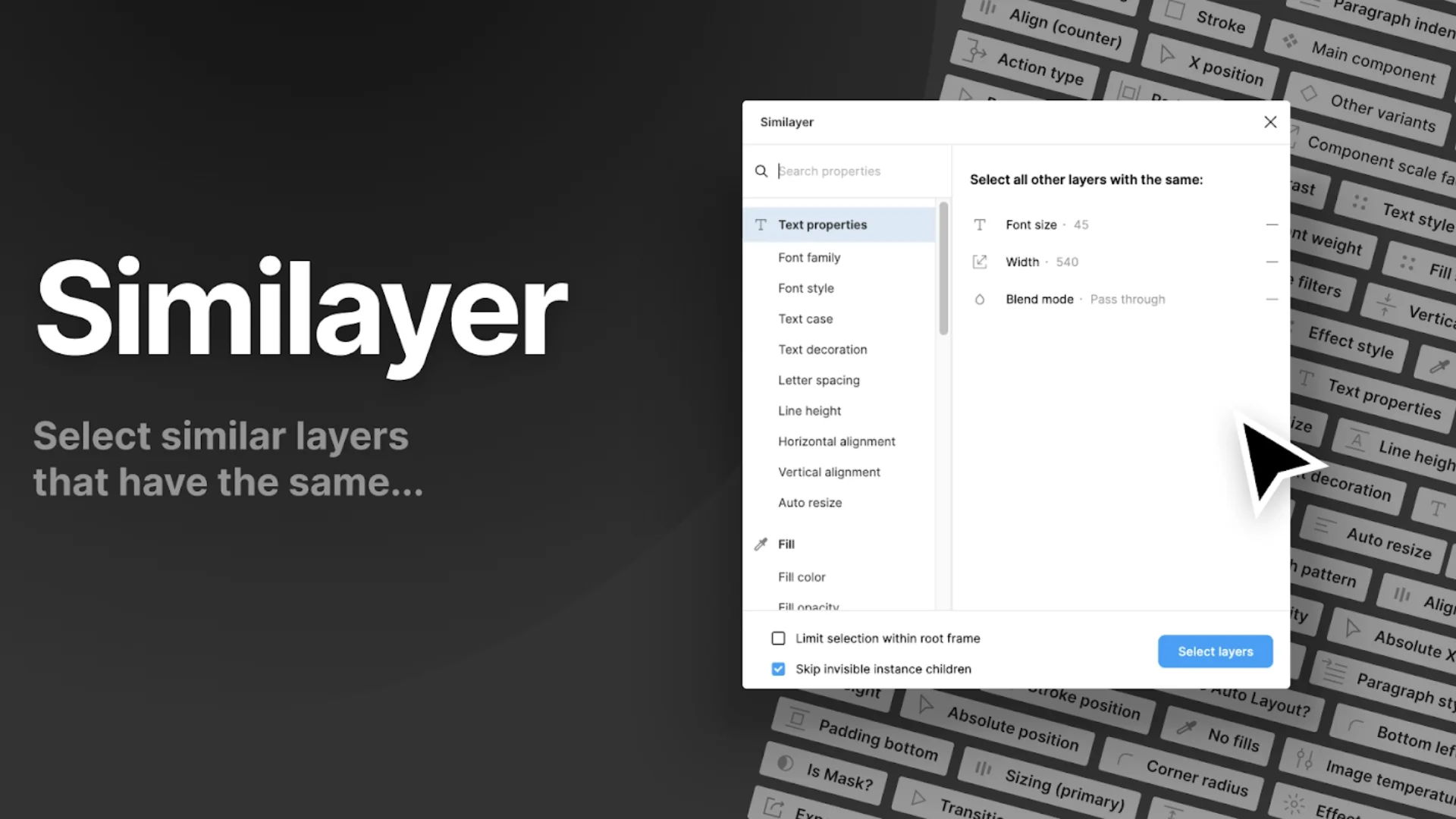
18. Similayer
Similayer finds and selects layers that share properties. You can create any kind of rule specifying options like fill color, font size, shadow, etc., and the plugin will highlight all matching elements for you right away. It is mainly focused on making bulk modifications in your design, updating buttons, headings, or icons without ever needing to click on each one of them individually.
Best For: Designers working through design systems, UI libraries, or multi-screen projects where consistency is key.
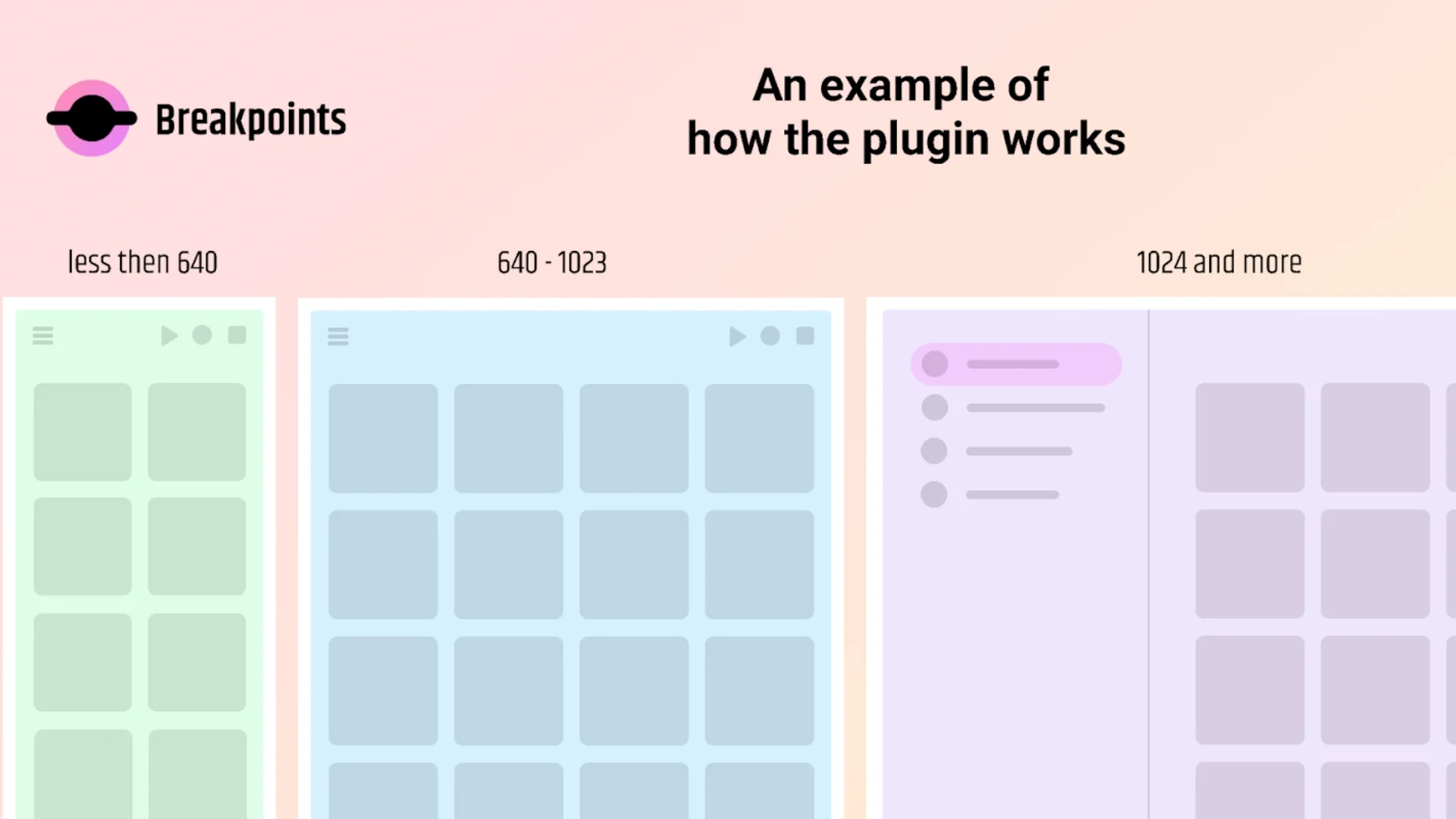
19. Breakpoints
The Breakpoints assist you in making responsive layout previews in Figma. You can specify a particular screen width and then determine how your design should adapt at that size. This plugin is useful for testing how elements rearrange themselves across common devices, from desktop to tablet to mobile. This is the go-to plugin for building grids, navigation systems, and content blocks that adapt and change as the viewport scales and shifts.
Best For: Product designers designing interfaces for web platforms, responsive websites, and multi-device applications to create the perfect Figma Design.
Ready to speed up your workflow?
If you're using Figma daily, these plugins will help you work faster, stay consistent, and reduce errors. They support everything from layout and illustration to accessibility and developer handoff. Whether you’re building quick prototypes or UI systems, these tools let you focus on solving real design problems instead of spending time on repetitive tasks.
At MyTasker, we help businesses work smarter by streamlining tasks and offering dedicated design support. If you're looking for expert help with UI/UX design or want to build better digital products, get in touch with our design team today.
Contact us to learn how MyTasker’s design experts can support your next project.