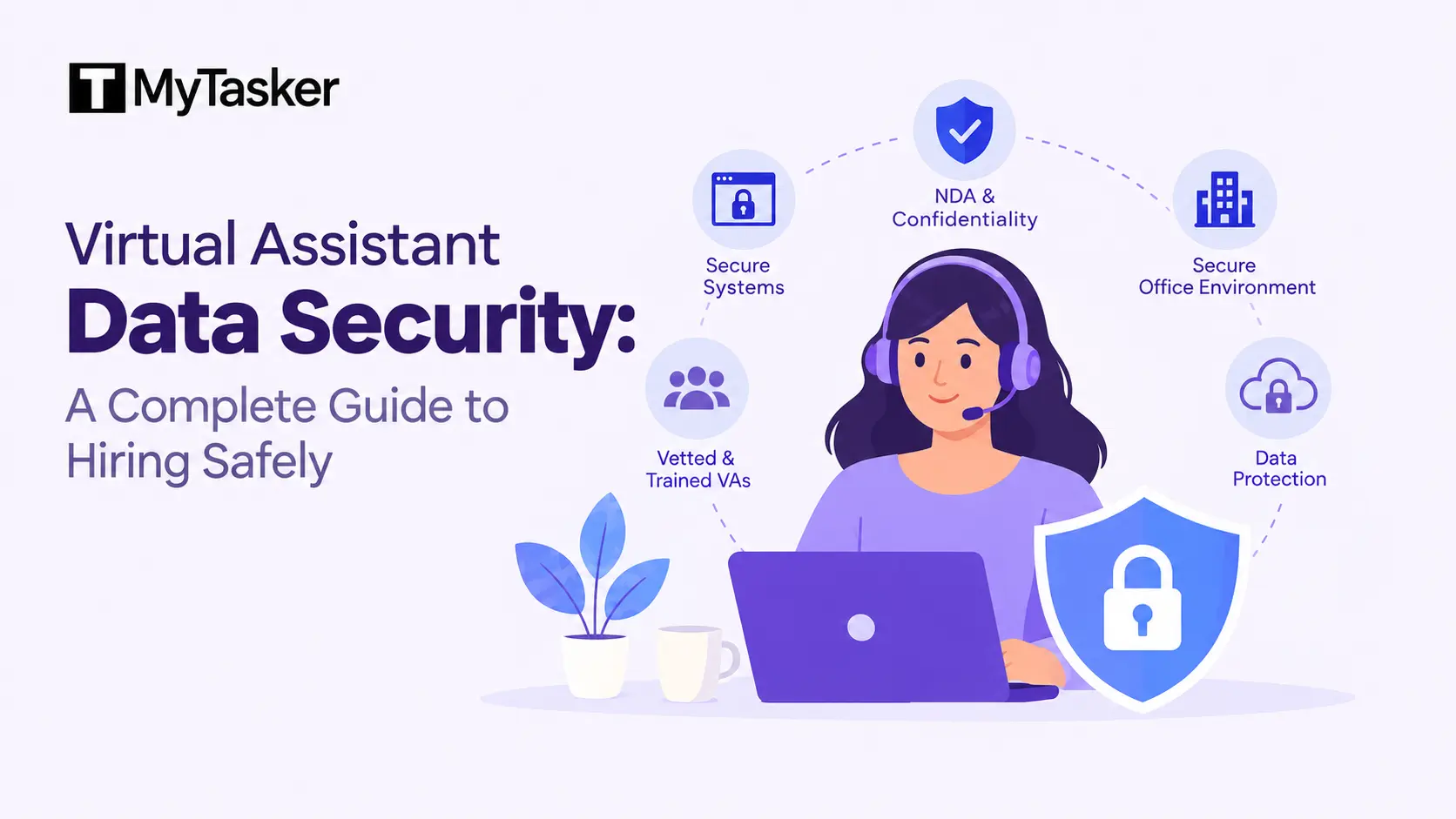
Hiring a virtual assistant has plenty of advantages. However, one caveat: outsourcing your work online creates data security challenges. Even when you hire an assistant from a remote staffing agency, they may work from home and for multiple clients. And thus, when hiring, check that their data security measures are in place, along with transparent pricing and contract structure.
Common security measures to ensure data security in place:
-
Comprehensive background checks on their assistants.
-
Robust IT and network security, including CCTV camera monitoring, login logs, screen recording, and so on.
-
Legal and confidentiality compliance, such as strict IP assignment clauses and signing NDAs and BAAs (where applicable).
-
Audit trails and access controls to monitor and manage access to sensitive information.
Select a Trustworthy Virtual Assistant Provider
Hire a virtual assistant provider with a strong track record of reviews over several years, posted on different dates, including a mix of positive and negative feedback. Look for a company with client video testimonials that has served businesses or professionals like you and understands your marketplace.
Review Their Security Standards
Ask them about their security measures to safeguard all security points. Ask how they manage passwords and logins. Confirm they use professional password managers. Check if they follow role-based access rules. Require multi-factor authentication on all platforms. These habits show a serious security approach. Avoid providers who share plain-text passwords.
Examine Legal Protections Closely
Sign a detailed NDA before sharing data. Read all confidentiality clauses carefully. Ensure the agreement covers any team members.
Strong legal documents create clear responsibility. Never begin work without signed agreements. This step protects your business from the start.
Protect Data During Daily Operations
Active work requires constant access control. Set firm rules with your virtual assistant. These practices keep information safe every day.
Manage Logins and Access Rights
Never send passwords through email or messages. Use shared vaults in tools like Bitwarden. Grant login access without revealing the password.
Limit permissions to only required tasks. Follow the principle of least privilege strictly. Extra access creates unnecessary security risks.
Control File Storage and Sharing
Keep all files inside your company cloud. Use platforms like Google Workspace or SharePoint. Restrict downloads of sensitive documents.
Share files only through secure, encrypted channels. Demand a business VPN on public networks. These rules reduce the chance of leaks.
Create Clear Working Guidelines
Provide simple written procedures at the start. State where data can be stored and used. Prohibit uploading private files to public AI tools.
Discuss the guidelines with the assistant openly. Clear expectations prevent most common mistakes. Update the rules when tasks change.
Handle Offboarding with Care
The end of work carries the highest risk. Remaining access often leads to problems. Use a fixed checklist for every exit.
Build a Complete Access List
List every tool and platform in use. Include software, drives, and shared accounts. Cross-check with your password manager records.
Prepare this list before the final day. A full inventory prevents overlooked access. Missing items leave open security gaps.
Move Ownership of All Files
Transfer every document to your main accounts. Reassign folders, spreadsheets, and project files. Confirm no files stay on personal devices.
This action keeps your systems intact. Left-behind files cause future confusion. Complete transfers before removing any access.
Remove Access on the Final Day
Revoke shared vault permissions first. Delete accounts from all connected platforms. Sign out of every active session immediately.
Cancel linked apps and OAuth permissions. Follow your access list step by step. Finish this process on the last day.
Eliminate Remaining Local Data
Request deletion of all local file copies. Clear cached data and personal backups. Return company devices if any were issued.
Confirm no sensitive data remains behind. This creates a clean final state. Never skip the verification step.
Document the Exit Properly
Prepare a short confirmation form. State that files were transferred fully. Note that all access was removed.
Both parties should sign the document. Keep the record for future reference. Formal closure adds extra protection.
Key Practices for Ongoing Safety
Check access permissions on a regular schedule. Keep your list of tools updated. Train each new virtual assistant on security rules.
Apply the same exit checklist every time. Steady processes strengthen overall protection. They also build lasting client trust.
Frequently Asked Questions
What is the first security step when hiring a virtual assistant?
Sign a strong NDA before sharing any data. Review the provider’s password and access practices. These actions set the foundation for safety.
How should passwords be shared with a virtual assistant?
Never send plain passwords by email or chat. Use a password manager with shared vault features. This method grants access without exposing credentials.
Why is offboarding important for data security?
Leftover access creates serious ongoing risks. A clear process removes all permissions and files. Proper offboarding closes the highest-risk period.
Can I allow a virtual assistant to use personal devices?
It is safer to keep work in company cloud systems. Restrict local downloads of sensitive files. Company-controlled environments reduce exposure.
Hiring a virtual assistant can remain secure. Select providers with proven security habits. Limit access tightly while work continues. Remove every permission when the engagement ends. These measures protect your sensitive data effectively.