I want to share something straight from the trenches — our 5 years of running Google Ads.
We’ve tested, experimented, made plenty of mistakes, fixed them, and slowly learned a few things that actually work. Still learning!
Not going into some complicated formula or theory — these are practical, self-experienced points that we’ve seen work over and over again — both for ourselves and for our clients.
Before we dive in, let’s first understand what a Google Ads Virtual Assistant actually is.
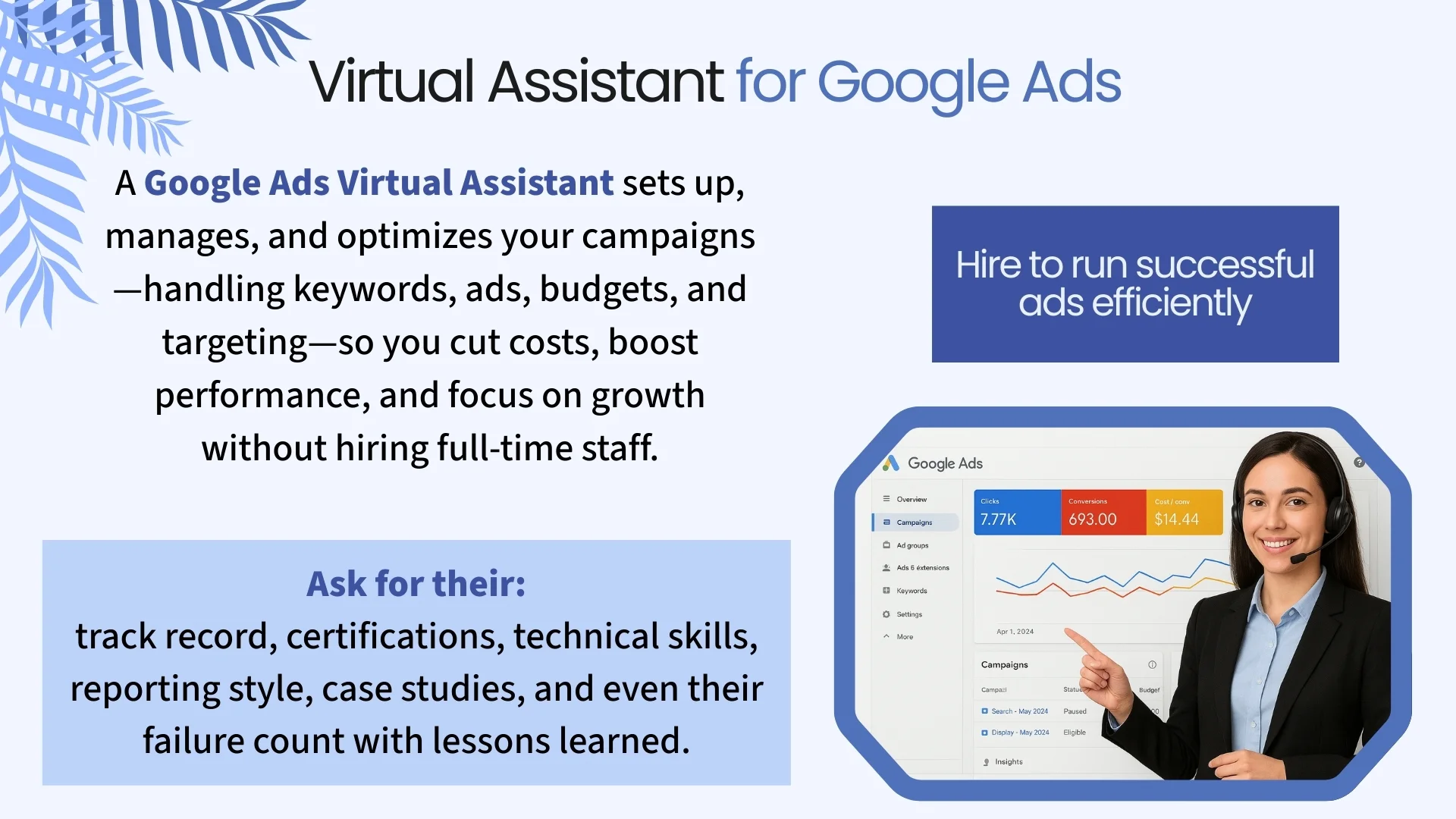
Virtual Assistant for Google Ads
A Google Ads Virtual Assistant is a remote PPC expert who creates, monitors, optimizes, and manages Google Ads campaigns on behalf of businesses. Unlike traditional agencies, they operate under a virtual assistant subscription model—allowing clients to access professional ad management alongside other services like graphic design, web development, or admin support.
Tasks they perform:
Google Ads Virtual Assistants handle everything from launching new campaigns, researching and refining keywords, setting up and tracking conversions, to adjusting bids for better performance. They typically work on an hourly or project basis, making them a cost-effective alternative to hiring a full-time marketer or agency.
With their certified expertise, they help businesses maximize ad performance, reduce wasted spend, and free up time for core operations—all while providing flexible, scalable support.
Start with Google Search Ads if You’re on a Budget
Yes, Google offers multiple ad types — including the shiny Performance Max campaigns. But here’s the thing:
If you’re starting out and your budget is limited, go for Search Ads first.
Why?
Because Search Ads target people with clear intent. They’re actively looking for what you offer — whether that’s buying, learning or exploring.
If you run ads for “commercial” keywords (keywords where people are ready to buy), your chances of conversion are much higher.
If your intent is to maximize reach, then display ads are an option. We tried them too—thousands of clicks rolled in, which felt great at first. But in reality, they had a negligible impact on actual leads that we get in our CRM. No significant results.
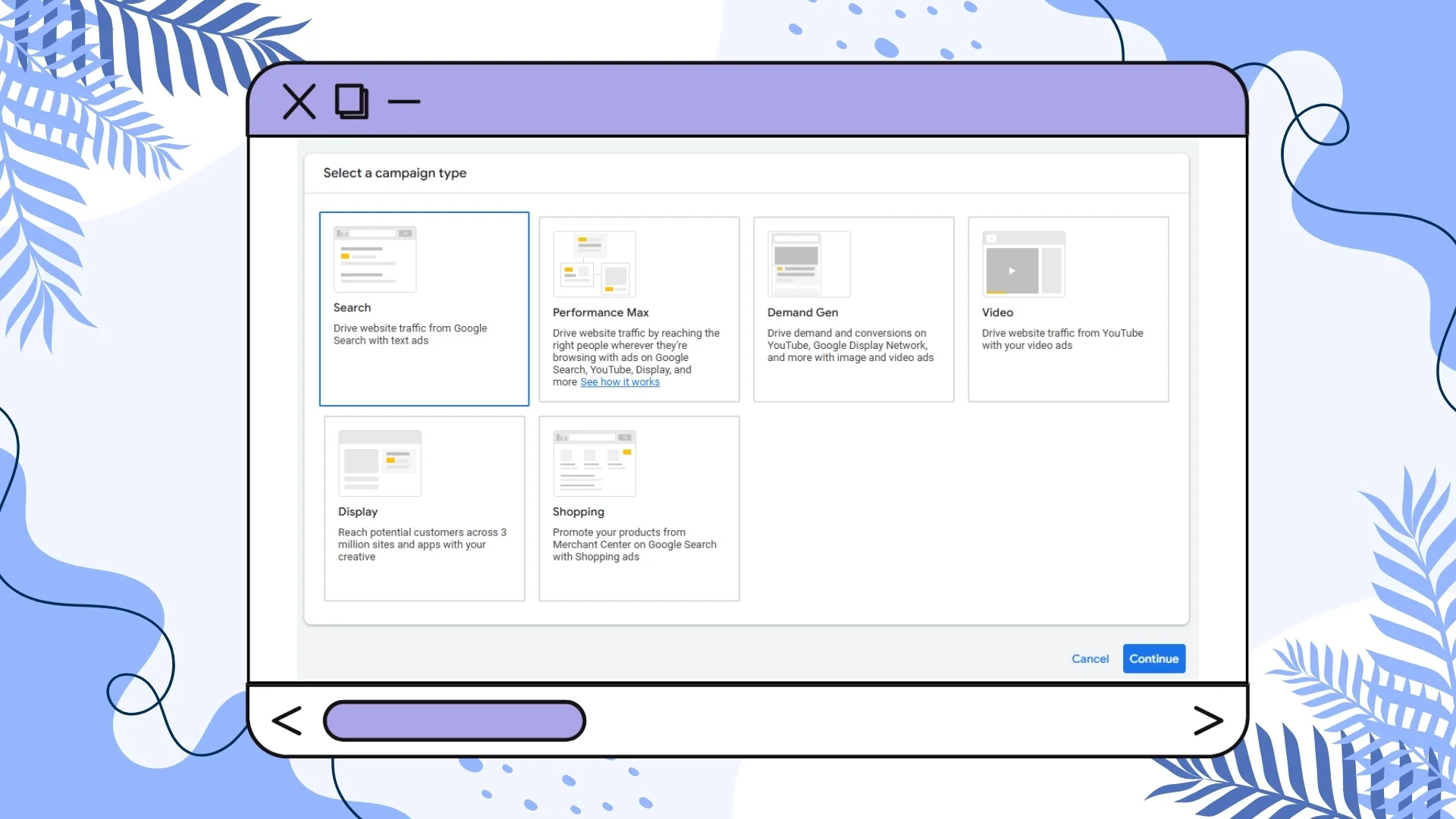
Display ads reminded me of the difference between seeing and looking. People may see your ad, but if your goal is to get them to take action, this isn’t the right format. Display ads are best for passive browsing and spreading awareness.
Some marketers argue that display and search ads should be combined into a multi-faceted strategy. For example, you can use display ads to spark initial awareness and interest, then follow up with search ads to capture demand once users are ready.
I feel display ads can be helpful for re-engaging (retargeting) users who clicked on a search ad but didn’t convert. But can I tell the harsh truth? Sometimes, it is not that they are not ready, it is just that your ad copy is not moving and many a time it makes you neglect continuously working on your ad copy and making it cutting edge.
Plus, it is hectic when you constantly block keywords and search terms and put them in the negative lists.
(we will talk about negative keywords and search terms that are super essential for any ad soon).
That said, Google made it clear in its recent summit: with the new AI-driven search experience, advertisers should target users at any stage of their buying journey. A visitor might move from one step to another in the same chat session, or they might use a long-tail keyword that signals strong purchase intent—giving you a chance to reach them on the first attempt.
For beginners, complex funneling and retargeting strategies aren’t always necessary. Running ads itself can feel challenging enough. That’s why the best starting point, both simple and effective, is Google search ads.
And if awareness is something you long for, then write engaging, and informational blog posts to boost your organic traffic. If the avg. cost per click of one display ad is USD 00.50 and you get 1000 clicks a month on an average, it will cost you 500 dollars a month to get 1K clicks. And the day you stop the ad, clicks stop coming too.
But if you write highly optimized blog posts or ones with strong backlink value, you’ll find that your website can get a similar number of clicks, or even more, every month, at zero cost.
And if you map (link each related page with one another) them well, update them regularly, repurpose (create different versions of the same content. For example, create an infographic from a blog post, and then one YouTube short, linking or directing them all to the blog post.). The number of clicks keeps increasing with time.
By the way, when it comes to spreading instant awareness, you can explore Facebook Ads too. In my experience, they are equally effective, and in some cases, more engaging.
You can even retarget facebook visitors too (via both Facebook and Google).
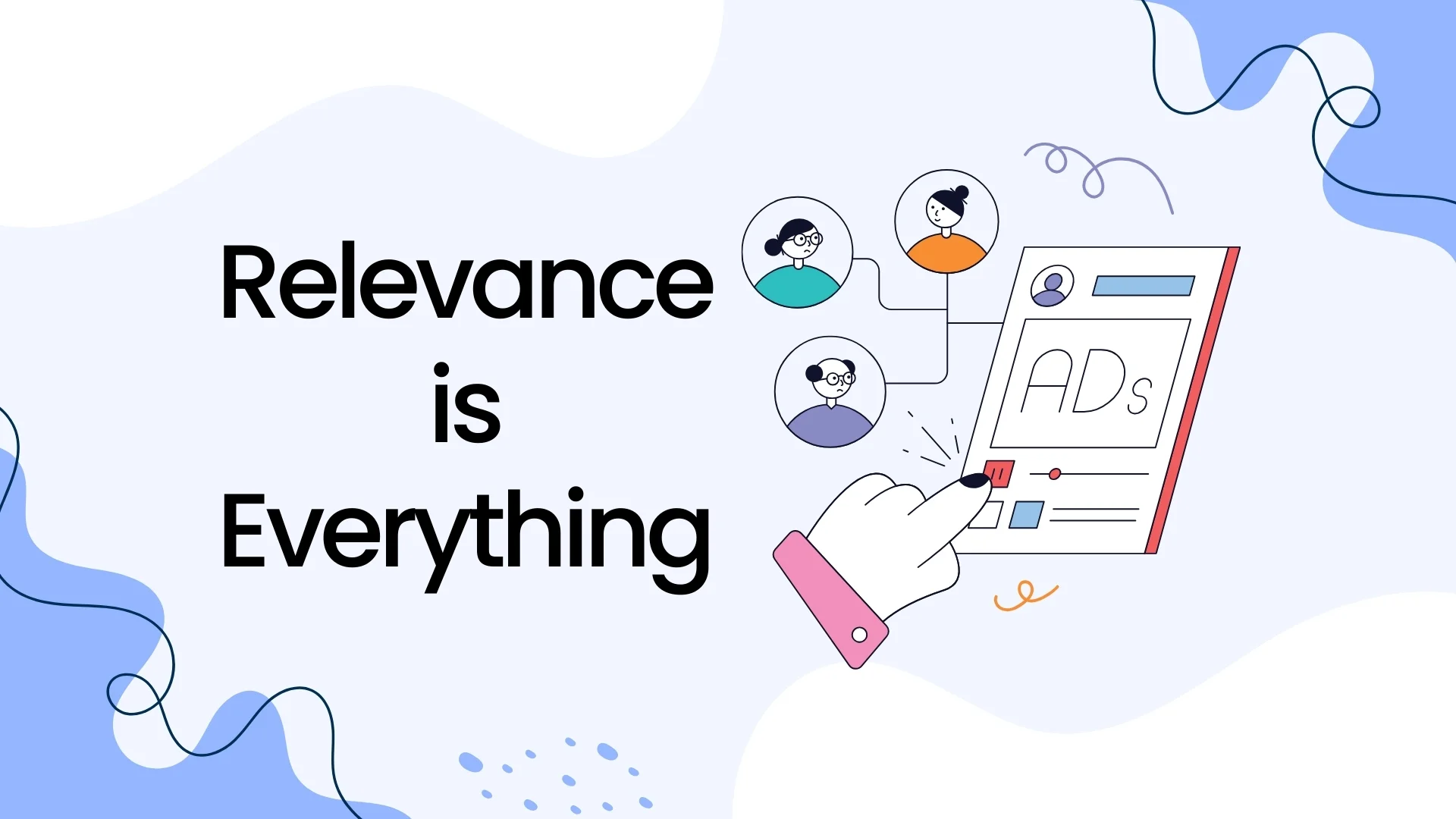
Relevance is Everything (and It Boosts Quality Score)
When you create a search ad:
- Match your ad assets to your keywords.
- Make sure your headline, description and even your URL are relevant to what people are searching for.
- Use sitelinks that actually help the visitor.
- Ensure the landing page includes those keywords naturally.
- Have a clear call-to-action (CTA) that aligns with the search intent.
If someone searches for “buy ergonomic chair” don’t send them to your homepage. Send them to a page with ergonomic chairs and a big fat “Buy Now” button.
When your ads match search intent, you get higher CTR, better Quality Score, lower CPC. Everyone wins.
Example: Someone searches “24/7 emergency plumbing service” and your ad headline says “24/7 Emergency Plumbers – Call Now”. Perfect intent match = higher CTR, better Quality Score, and lower CPC over time.
Track Conversions from Day One
Google Ads without tracking is like shooting arrows blindfolded.
Set up Google Tag Manager so you can track important actions — like clicks on your CTA button or filling out a form.
This way you can measure which keywords are actually driving results (and which ones are just eating your budget).
You can also use tools like Microsoft clarity to see how a visitor interacts with your landing page. Sometimes, they click the unclickable portions of the web page presuming it is clickable, it can be pictures, boxes or any underlined texts (always prefer highlighting using light color in the background of any text, rather than underlining it as it creates confusion in the mind of your users that will eventually result in rage clicks).
Use Negative Keywords Immediately
Don’t wait for irrelevant clicks to drain your wallet. If you’re running ads for virtual assistant services, add “job,” “course,” or “training” to your negative keywords list right away.
Pro tip:
Ask AI (Gemini, ChatGPT, etc.) to generate a list of possible negative keywords for your target keyword(s).
Then keep updating the list by checking the Search Terms Report regularly.
Be Frugal with Your Budget
Things we’ve learned the hard way:
- Start small with your daily budget.
- Don’t dump a huge lump sum into your account (I’ve seen CPCs go up when too much balance is loaded at once).
- If your budget is low, don’t run multiple campaigns at the same time — focus on fewer ads with more precision.
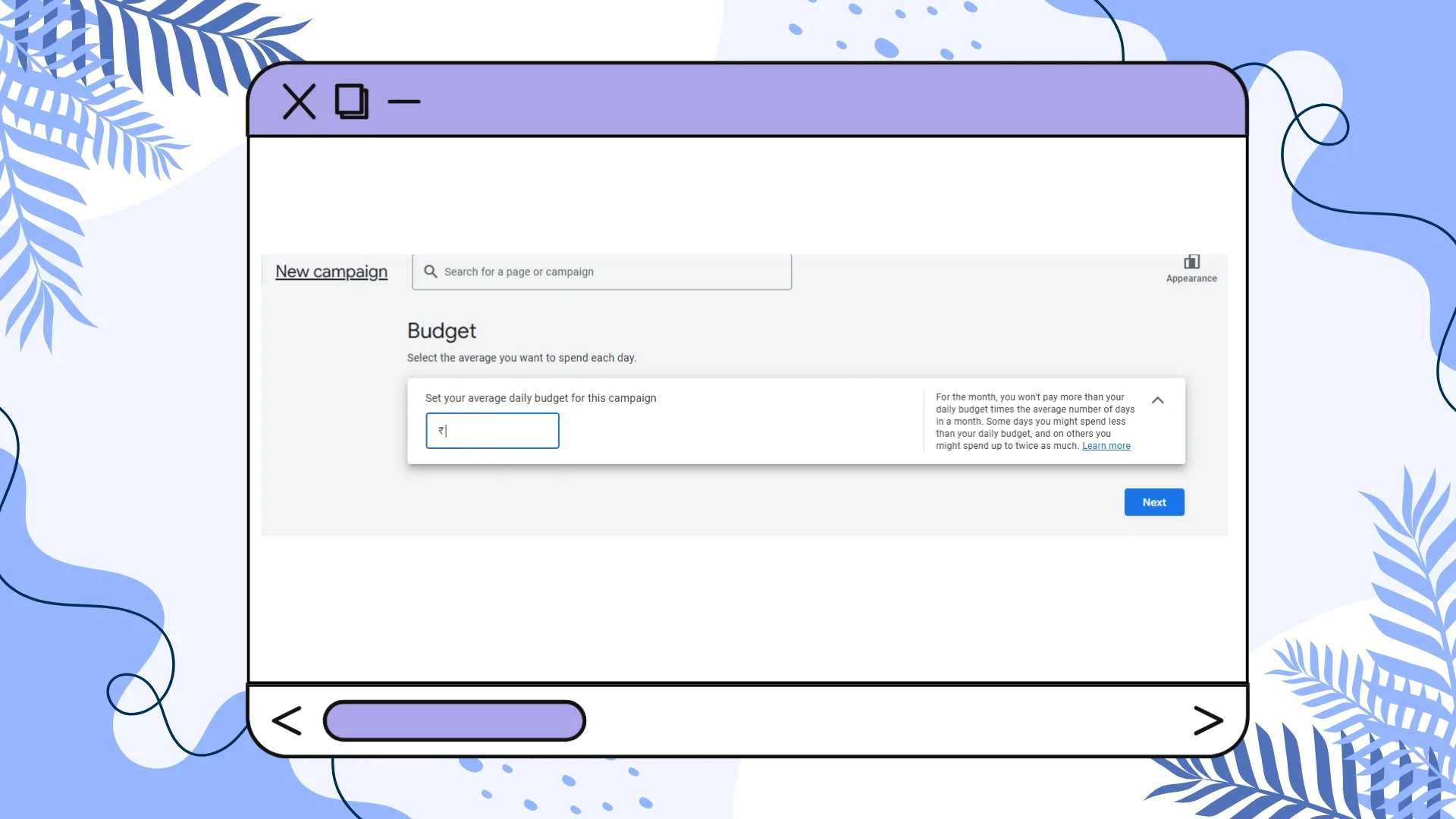
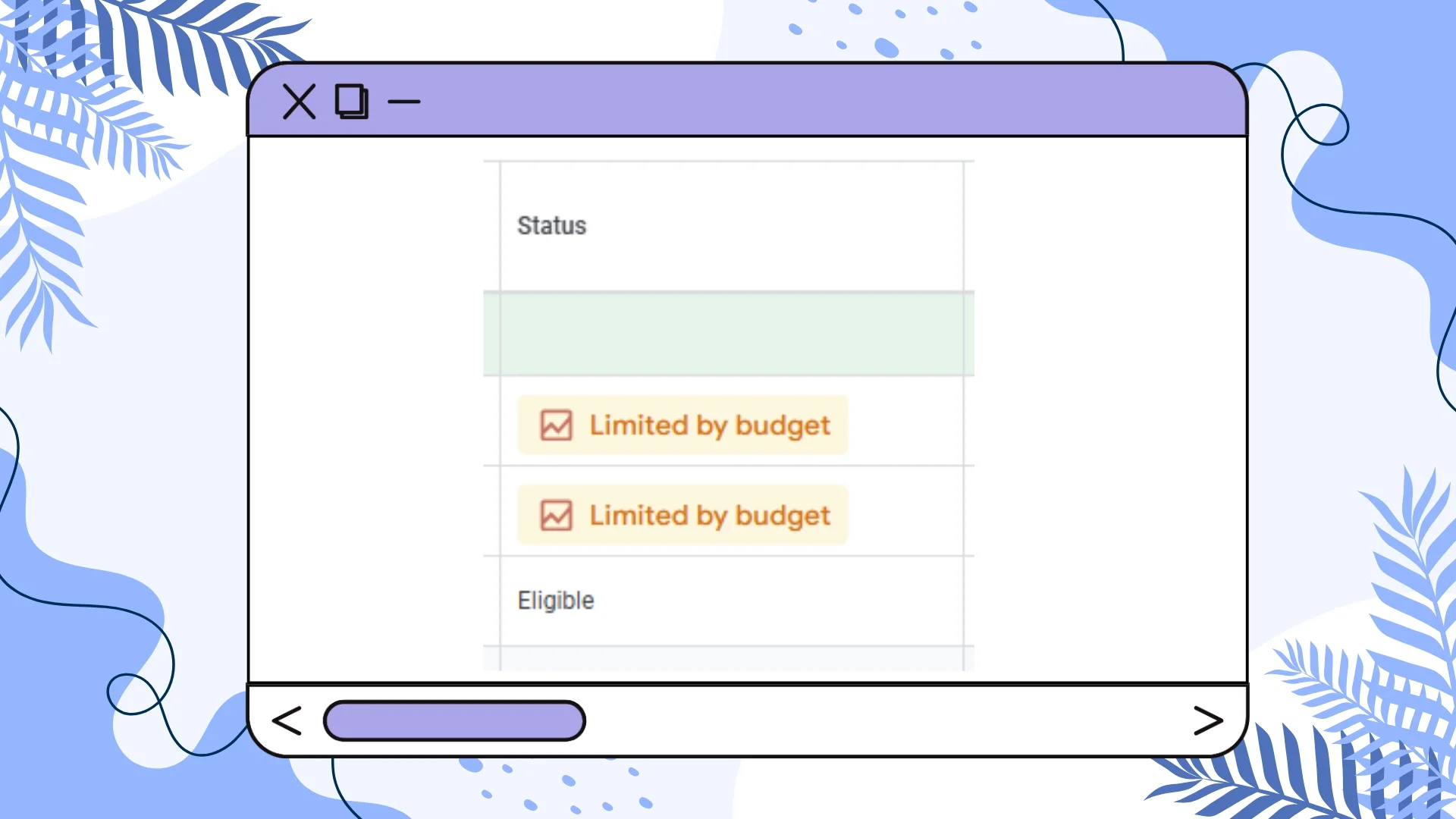
Ignore Google’s “Minimum Budget” Warnings
Google loves telling you your budget is “too low.”
I’ve tested this. Raised daily budget from $200 → $300 → $500 — still “too low.”
Ignore it.
Instead, focus on CPC, conversion rate and keeping your budget lean.
Don’t Blindly Follow Google Support
Your Google Ads account manager might sound confident — but they don’t truly understand your business.
They’ll suggest:
- Increasing your budget.
- Adding broad keywords (more clicks, fewer conversions).
Clicks mean nothing without sales or qualified leads.
Focus on conversion intent.
Spy on Competitors (Smartly)
Before you finalize your ad copy:
- Search your target keywords (even via VPN for other regions).
- Look at the sponsored ads at the top — study their patterns, hooks and CTAs.
- Check top-ranking organic results — sometimes they have messaging you can adapt.

Boost Ad Relevance with Content
If you’re running ads for “office furniture” start creating landing pages, guides and blog posts on that topic.
Organic content + ads for the same keywords = better relevance, Quality Score and trust.
Page Speed Matters (and So Does Landing Page Design)
Your ad is useless if your landing page loads like it’s on dial-up internet.
Use Google PageSpeed Insights to fix loading times.
Beyond speed:
- Make sure above-the-fold (the part of the page a visitor can see without scrolling) content answers the searcher’s question instantly.
- Use trust signals (testimonials, certifications, guarantees).
- Optimize for mobile first — most clicks are mobile now.
Don’t Over-Filter Too Soon
You want to over-filter your audience too early. Don’t.
Sometimes surprising audiences convert.
Example: We once found that a 40+ age group in a region we never targeted had a 2x better conversion rate than our “ideal” 25-35 segment.
Keep it Human
Images, ad copy and CTAs should feel natural and human-friendly.
You’re not selling to algorithms — you’re convincing people.

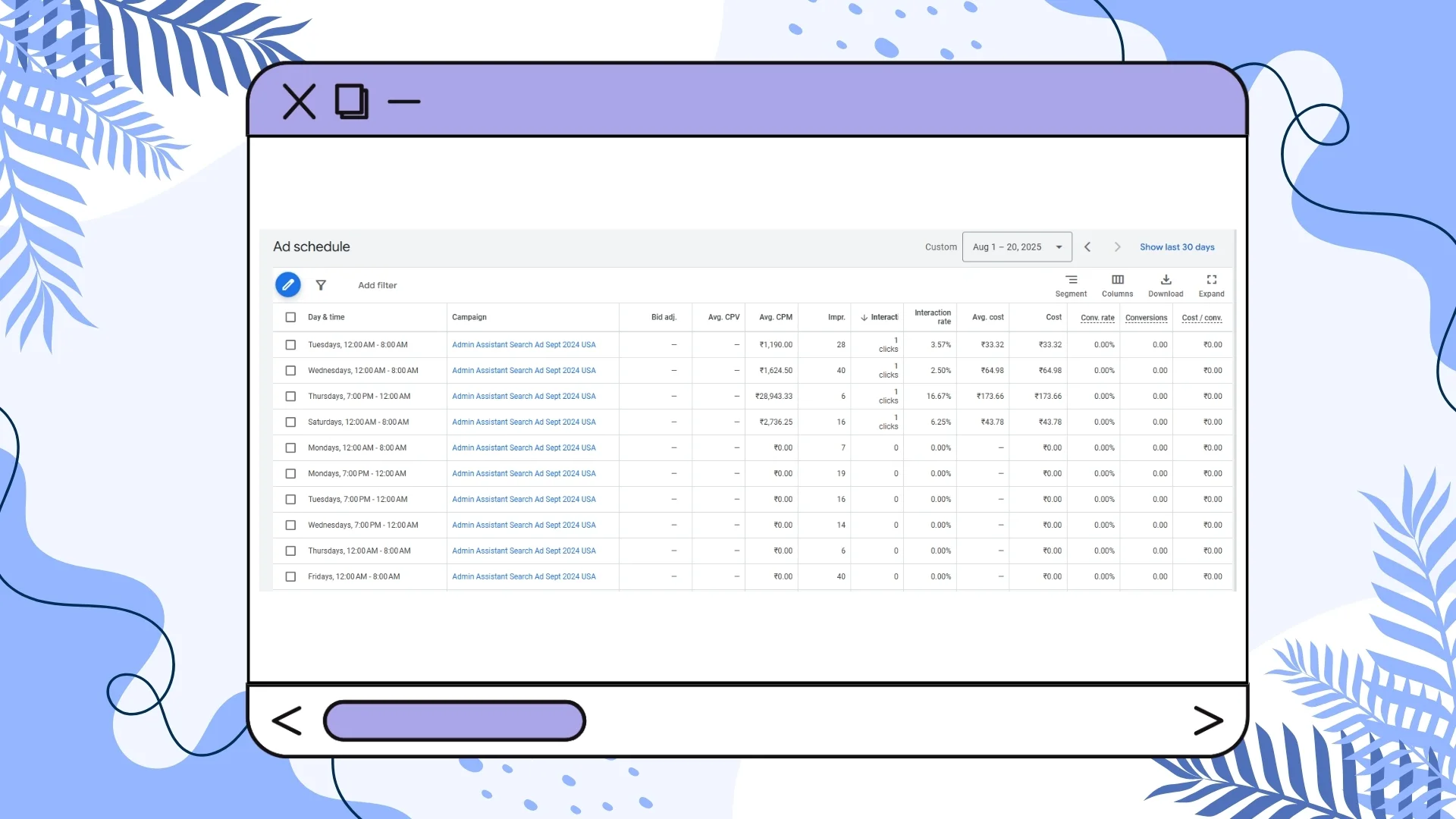
Timing is Everything (Use Ad Scheduling)
Run your ads when your audience is most active.
If your data shows clicks spike between 7-9 PM, use Google Ads Ad Scheduling to concentrate your budget during those hours.
You can even adjust bids for high-converting times of day.
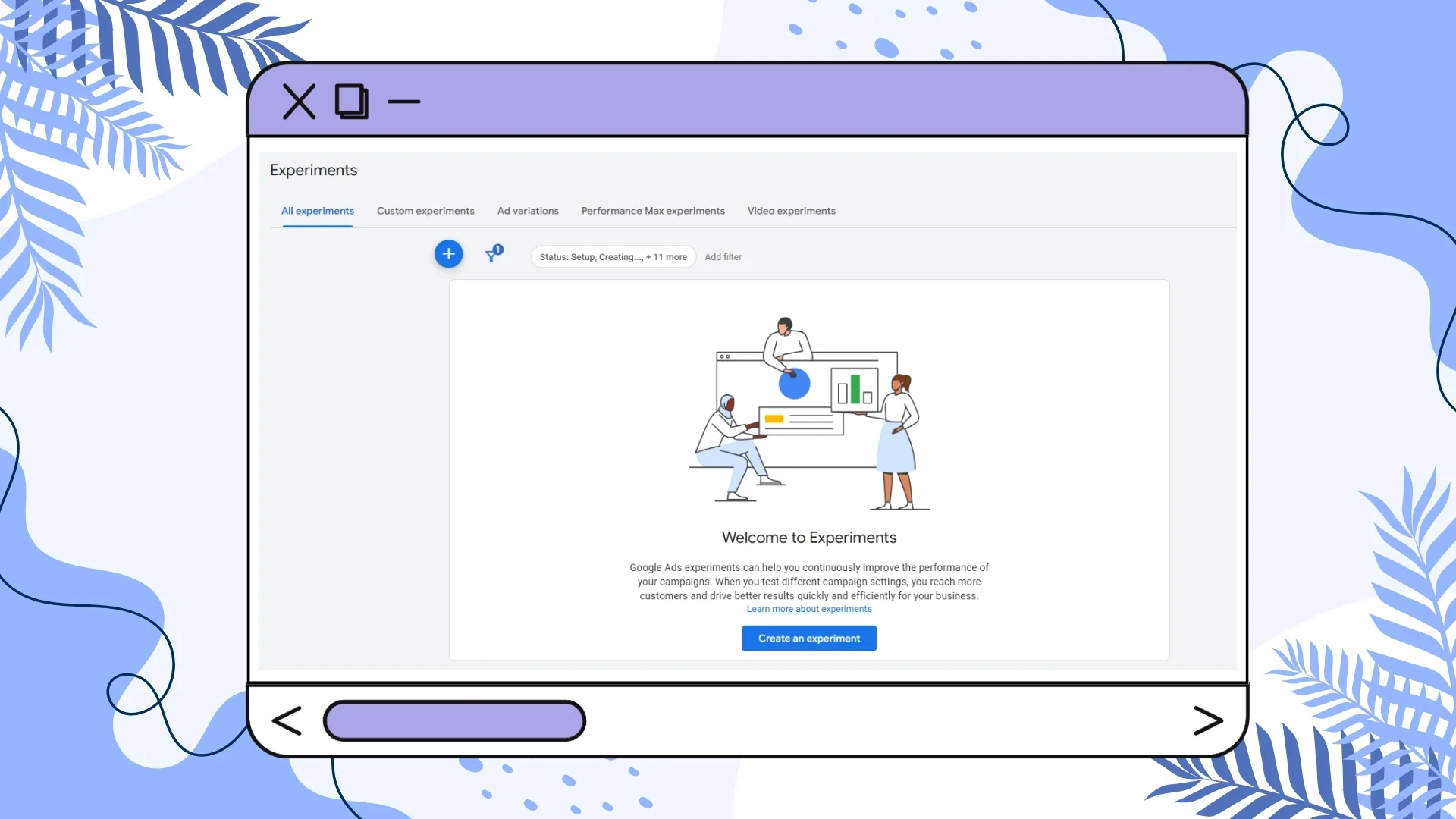
Always Be Testing (A/B Testing is Your Friend)
Test different:
- Headlines
- Descriptions
- Landing page layouts
- CTAs
Keep the winners, drop the losers.
Google Ads is a moving target — testing is your steering wheel.
Doubling Your Budget Doesn’t Mean Double the Clicks
It’s easy to think, “I’m getting 50 clicks a day at $1 CPC. If I double my budget, I’ll get 100 clicks.”
But Google Ads don't work like that.
Example:
- 50 clicks × $1 CPC = $50/day
- You increase the budget 3 times to $150: Instead of 150 clicks, you might get 70 clicks — but now CPC jumps to $2.
- Result: You spend more, get fewer extra clicks than expected, and pay more per click.
Why this happens:
When you increase your budget, Google may start showing your ads in more expensive auctions or for broader, less relevant searches. That can drive up CPC and lower efficiency.
Pro tip: Increase budgets gradually and monitor CPC + conversion rate. Scaling isn’t just about spending more — it’s about keeping your returns healthy.
Don’t Forget Search Terms
Negative keywords are great — set them early, update them often. But that’s only half the game.
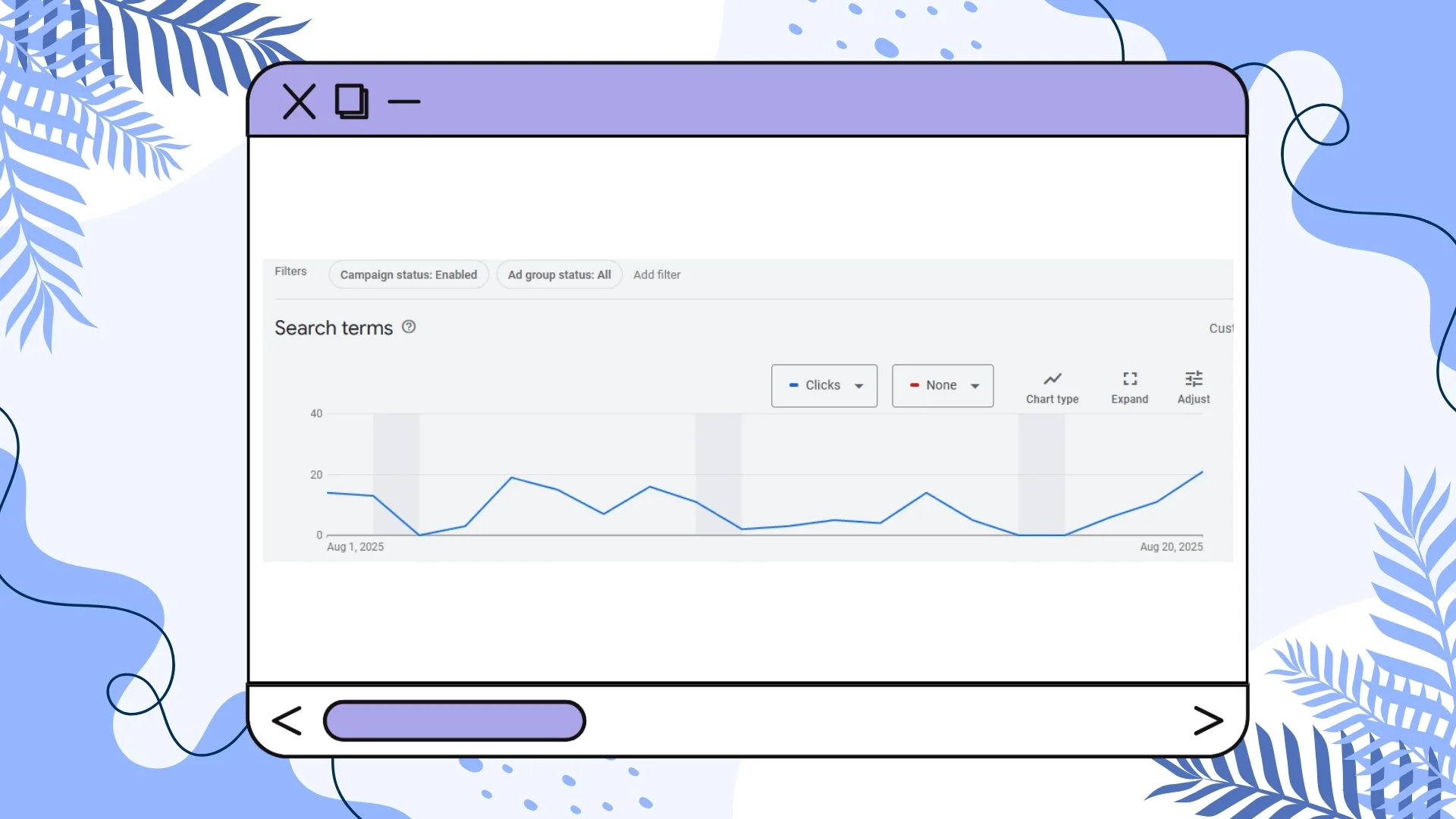
You also need to check the actual search terms that are getting you clicks.
Why?
Because keywords tell Google what you want to show for.
Search terms tell you what people actually typed in.
There are many ways you can manage the Search Terms optimally. Add high-performing search terms as keywords. The search terms that are driving conversions, add them to your keyword list.
Example: You run ads for “ergonomic office chairs”.
In your Search Terms Report, you see “best ergonomic chair for home office” getting 10 conversions last month. Add it as an exact match keyword so you can directly target it — and write an ad copy that says exactly that.
Use “exact match” if you want full control on your search outcomes.
Importantly, if you see irrelevant search terms, drawing no conversions and eating your ad budget, add them as negative keywords so you never show them again.
Example: You sell luxury leather handbags, but you see clicks from “free leather handbag patterns” in your report. That’s not your audience.
Add “free” and “patterns” as negative keywords so you stop paying for irrelevant traffic.
Find out what people really want – The search terms report is a treasure trove of user intent. Use it to adjust your ad copy, landing pages, and even product offers.
Example: You’re advertising “personal trainers” but see lots of searches for “personal trainer for seniors”. That’s a segment you might not have considered — so you create a new ad group and landing page for that audience.
In brief: make it a habit to check your Search Terms Report. It’s one of the easiest ways to cut waste, find new keyword opportunities, and get more qualified clicks.
About Performance Max…
We’ve tried it.
The problem? Budget scatter across placements you can’t fully control.
If your budget is small and you want maximum control, stick with Search Ads until you can comfortably expand.
In Search Ads, you use negative keywords to stop your ads from showing for irrelevant searches. In Performance Max, negative keywords work the same way for Search and Shopping results. But if you want to block certain websites, apps, or YouTube channels/videos, you need placement exclusions, which you can set at the campaign or account level.
Match Your Organic Content with Your Ads
If you’re running ads for furniture and chairs, your blog should be about beds, furniture and chairs, not AI chatbots and dark chocolate.
It’s because when people visit your ads, then they sometimes nativate blog and other website pages. If they find related content on your site, they consider your brand presence consistent and legit.
If your ad takes them to a relevant page, they’re more likely to click, stay and buy — which means better CTR, lower bounce and more conversions.
Blogs can catch people in research mode (“How to choose the right chair”), while your ads push buyers ready to purchase (“20% off ergonomic chairs”).
Learn from what’s working. If a blog post is getting organic traction, turn that topic into an ad copy or a landing page.
Keep your ads and content in sync. If your ads say one thing and your blog talks about something completely different, you’re just confusing people and wasting ad spend.
And I have seen the mismatch leads to high CPC, I don’t know why. But I’ve noticed it many times.
How can you get Google Ads running quickly even if you have no expertise?
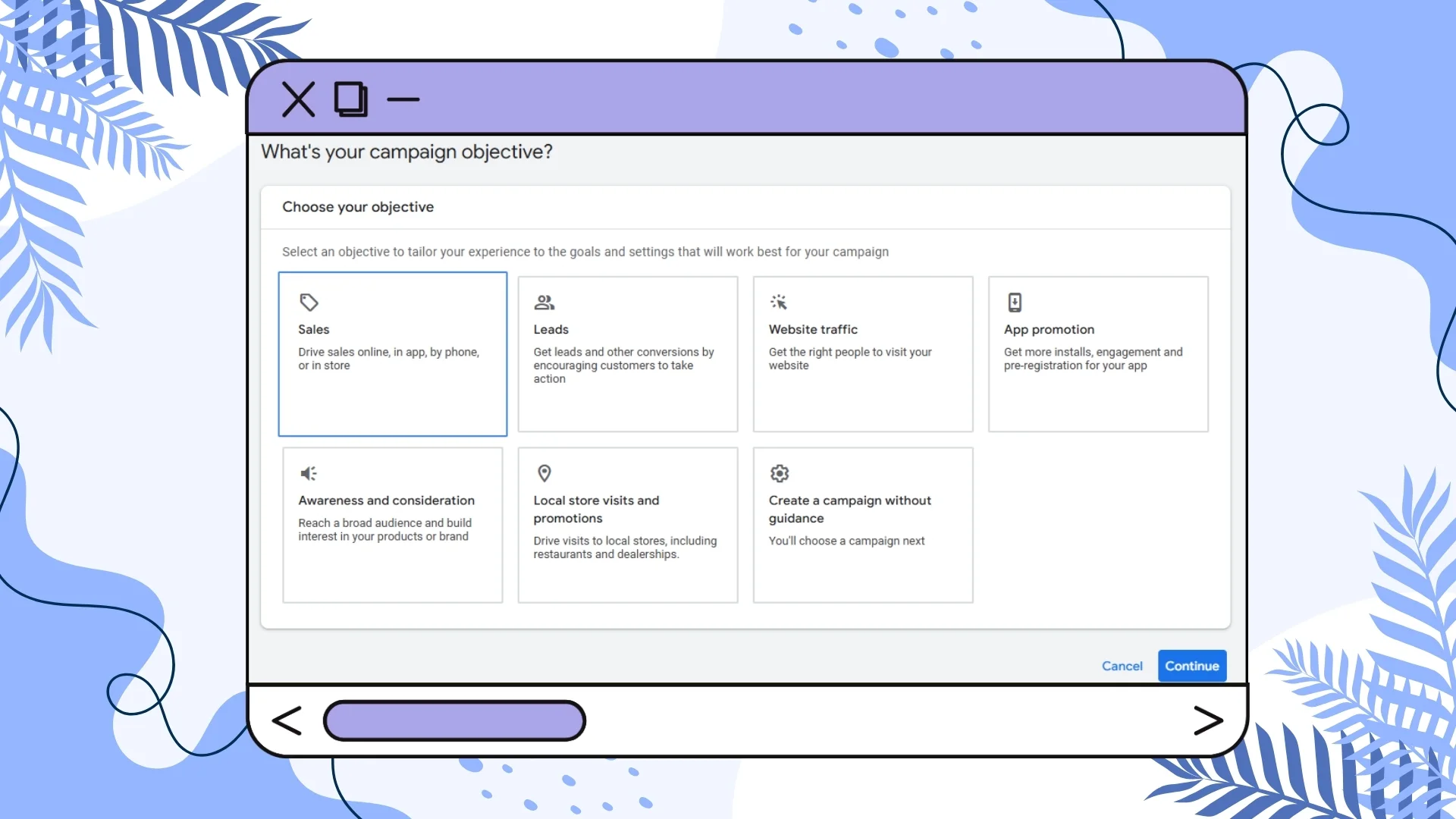
The quickest and easiest way to start running Google Ads — especially if you’re new — is by using a Smart Campaign (formerly known as AdWords Express). It’s built for small businesses and beginners, using Google’s automation to simplify both setup and management.
Step 1: Choose a Smart Campaign
When you create a new campaign, Google will ask you to choose a goal, such as getting more calls, website visits, or store visits. Based on your choice, it will suggest the simplest option — usually a Smart Campaign.
Step 2: Set Up Your Campaign
Setting up a Smart Campaign takes less than 15 minutes. Start by adding your business information, such as your name and website. Google automatically scans your website to understand your products or services and suggests relevant keywords and ad ideas.
Next, confirm your main goal — whether it’s getting calls, website actions, or visits to your store. Then, write your ad by adding a few headlines and descriptions. Google’s system automatically tests different combinations to find the best-performing version.
Instead of choosing individual keywords, select broad keyword themes like “coffee delivery.” After that, set your target location and choose your daily budget — either Google’s recommendation or your own.
Step 3: Launch and Let Google’s AI Work
Once you review your settings and publish, Google’s AI takes over. It manages your bidding, decides where your ads appear (across Google Search, Maps, YouTube, and partner sites), and continuously optimizes performance to meet your goal.
Why Smart Campaigns Are Perfect for Beginners
Smart Campaigns are ideal for those who want results without complexity. They require very little effort, no prior expertise, and can have your ad running within an hour after account approval.
Alternative Option: Create a Simple Search Campaign
If you’d like more control while keeping things simple, you can try a Simple Search Campaign. Use the “Maximize Clicks” bidding strategy, focus on a few exact match keywords (like [emergency plumber]), and write clear, relevant ads with strong calls-to-action.
A Smart Campaign helps you launch quickly, while a Simple Search Campaign gives you a little more control once you’re comfortable with the basics.
Conclusion
If you follow these principles — focus on relevance & Quality Score, track conversions, use negative keywords early, keep budgets tight, ignore the “minimum budget” myth, don’t blindly trust Google support, spy smartly, optimize landing pages, leverage ad scheduling and always be testing — you’ll see better results over time.
Google Ads is a process: tweak, test, improve.
Believe in the process, keep learning and you’ll get there.
And remember: be brutal with removing bogus search terms and adding them to your negative keyword list — your wallet will thank you.