Cash flow keeps a business alive. But cash is not the only thing you can run short of.
Time goes too.
And unlike money, you cannot borrow more of it.
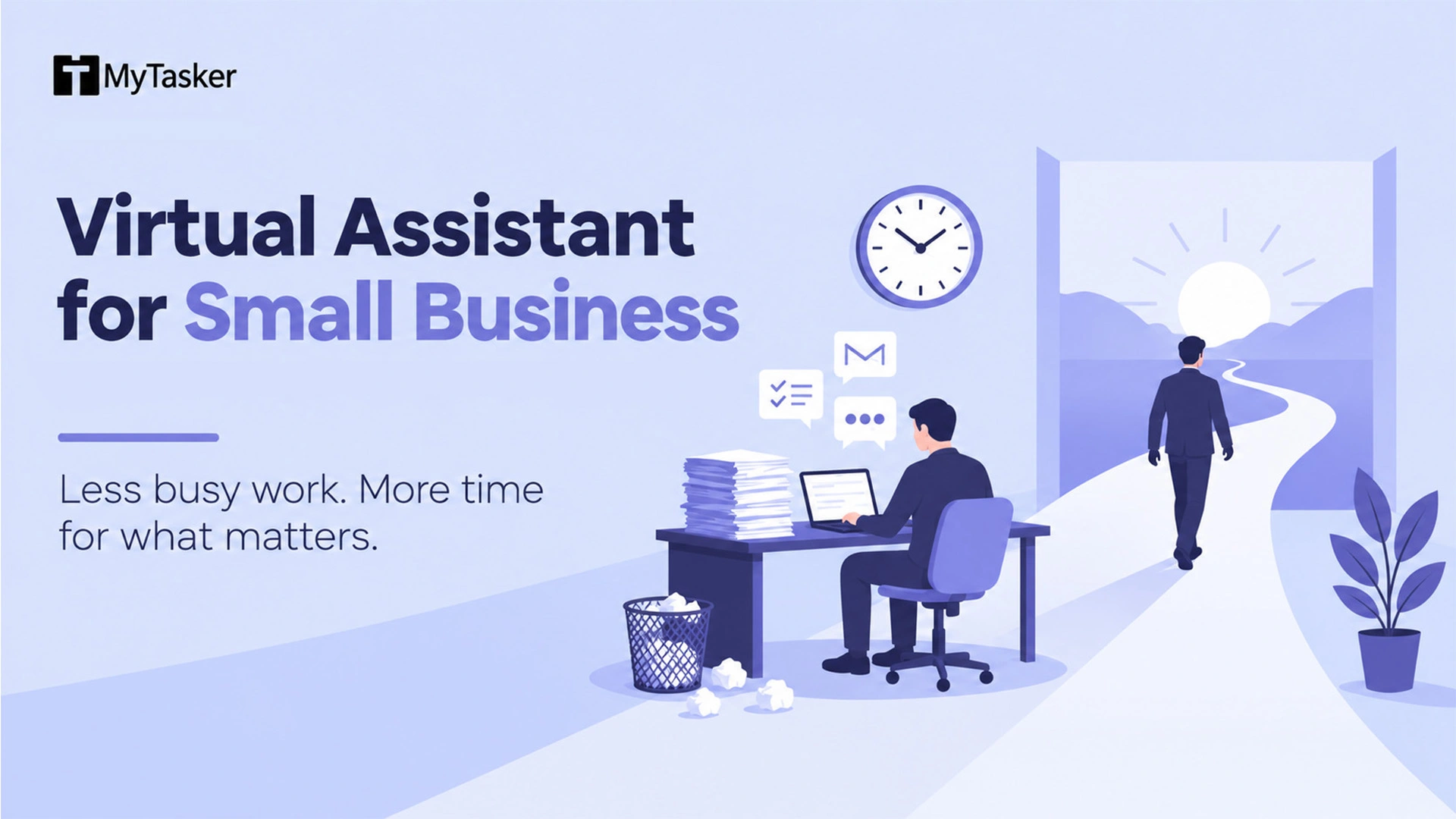
For many small business owners, the problem is not a lack of work. It is spending too much of the day on work that someone else could do.
You answer emails. Move meetings around. Update the CRM. Chase an invoice. Enter a few figures into a spreadsheet. Reply to the same customer question for the tenth time.
None of these tasks is difficult.
That is precisely why they are so easy to keep doing yourself.
The trouble is that every hour spent on routine work is an hour you are not spending on the things only you can do: winning business, looking after important clients, making decisions, fixing what is broken, and figuring out where the business goes next.
McKinsey has found that leaders spend only about 52% of their time on work that aligns with their core strategic priorities. Only 9% say they are satisfied with how their time is being used.
That tells you something.
The cost of busywork is not always visible on a profit-and-loss statement. Sometimes it is the sale you never followed up on. The client you did not call. The process you never fixed. The idea that stayed in your notebook for another six months.
That is the real cost of doing everything yourself.
What can a virtual assistant actually do?
Quite a lot, provided you give them the right work.
A good virtual assistant can take responsibility for recurring tasks such as:
-
Managing your inbox and handling routine replies
-
Managing your calendar and scheduling appointments
-
Updating your CRM, cleaning contact records, and entering data
-
Following up with leads and maintaining basic lead-generation activities
-
Handling routine customer enquiries
-
Preparing invoices and maintaining expense records
-
Providing bookkeeping administration
-
Managing social media and routine marketing tasks
-
Researching information and preparing reports
-
Supporting projects and keeping tasks moving
-
Handling payroll administration and other back-office work
The important word is responsibility.
There is a difference between giving someone a list of things to do and giving them ownership of a small part of your business.
The second is where the real value begins.
Some businesses need one dedicated assistant who learns their systems and way of working. Others need a few hours of help here and there. Neither is automatically better.
It depends on the work.
But what about AI?
AI has changed the calculation.
It can draft an email, summarise a document, classify information, update systems, research a topic, and automate repetitive steps. Used well, it can remove a great deal of manual work.
But there is a trap here.
Because AI can do one task quickly, it is tempting to make it responsible for the whole process.
Soon you are maintaining prompts, checking outputs, fixing exceptions, reviewing automations, updating workflows and figuring out why yesterday's automation stopped working.
You may have automated the work and created a new kind of work for yourself.
That does not make AI the problem. It means the tool needs to be used properly.
The best answer is rarely AI or people.
It is usually AI and people.
Let software do the parts that benefit from speed and repetition. Let a person handle context, judgement, communication and the things that are difficult to reduce to a set of rules.
That is one reason a virtual assistant still makes sense in an AI-heavy workplace.
The real benefits of hiring a virtual assistant
1. You get your time back
This is the obvious benefit, but it is also the one people underestimate.
An assistant who takes over inbox management, scheduling, CRM updates and routine customer enquiries does more than complete those tasks.
They give you those hours back.
What you do with those hours matters more than how many you save.
2. You can get help before you need a full-time employee
You do not need forty hours of work every week to justify getting help.
You can start with a few hours. Increase the workload when the business needs it. Reduce it when it does not.
That flexibility is useful when you are growing but are not yet ready to take on another full-time employee.
3. You can bring in skills without building another department
Perhaps you need someone who knows HubSpot.
Or QuickBooks.
Or Google Workspace.
Or Microsoft 365.
Or social media.
You may not need that skill every day. Creating a permanent internal position for it may make little sense.
A virtual assistant lets you bring in the skill when you need it.
4. Customers get a faster response
People notice when a business takes three days to answer a simple question.
They also notice when someone gets back to them promptly.
A virtual assistant can handle routine enquiries, organise follow-ups and make sure straightforward requests do not sit forgotten in an inbox.
If you work across time zones or serve customers in more than one language, flexible hours or bilingual support can be especially useful.
5. Your CRM stays usable
Most CRMs do not become messy overnight.
They become messy one forgotten update at a time.
A contact does not get logged. A duplicate appears. A follow-up is missed. Someone speaks to a prospect but forgets to record it.
After a while, nobody quite trusts the system.
Regular CRM maintenance may sound like a small job. It is not when your sales team depends on the information being right.
6. You can add capacity without adding the same amount of overhead
Growth creates work before it creates enough margin to hire everyone you need.
A virtual assistant can add capacity without immediately adding another full-time salary, office cost and layer of employment overhead.
That does not make outsourcing automatically cheaper.
It makes it more flexible.
7. Good support can improve the way the business works
This is an overlooked benefit.
When someone else takes over a process, you have to explain how it works.
That forces you to notice the parts that exist only because "that is how we have always done it."
A good assistant can help document the process, remove unnecessary steps and automate the repetitive ones.
Tools such as ChatGPT and Copilot can help too.
The goal is not to automate everything.
The goal is to make the work simpler.
8. You get human judgement where AI still falls short
Virtual assistants increasingly use AI for research, drafting, classification, transcription and summarisation.
That is useful.
But useful is not the same as trustworthy without checking.
Customer communications, financial information, sensitive business data and decisions that affect people still deserve human oversight.
The practical model is simple:
Use AI for what it does well. Use people for what needs judgement.
9. You get structure
The better the arrangement, the less you should have to wonder what is happening.
Clear responsibilities. Documented processes. Regular check-ins. Defined escalation paths.
If you work with a managed provider, ask how they select assistants, whether they conduct skills assessments and background checks, who manages the relationship, and what happens when your regular assistant is unavailable.
The answers tell you more than a low hourly rate ever will.
What does a virtual assistant cost in 2026?
There is no sensible single answer.
Rates vary with location, experience, specialist skills, hours, and the way you hire.
Broadly, you will come across:
-
Offshore freelance or managed support, usually at lower rates
-
Nearshore support from Latin America, often attractive to US businesses that want both cost efficiency and closer working hours
-
US-based virtual assistants, generally at higher rates
-
Managed packages ranging from part-time support to dedicated assistance
Managed packages can commonly fall somewhere around $1,200 to $3,500 or more per month, depending on the provider, hours and level of support.
But price is only one part of the calculation.
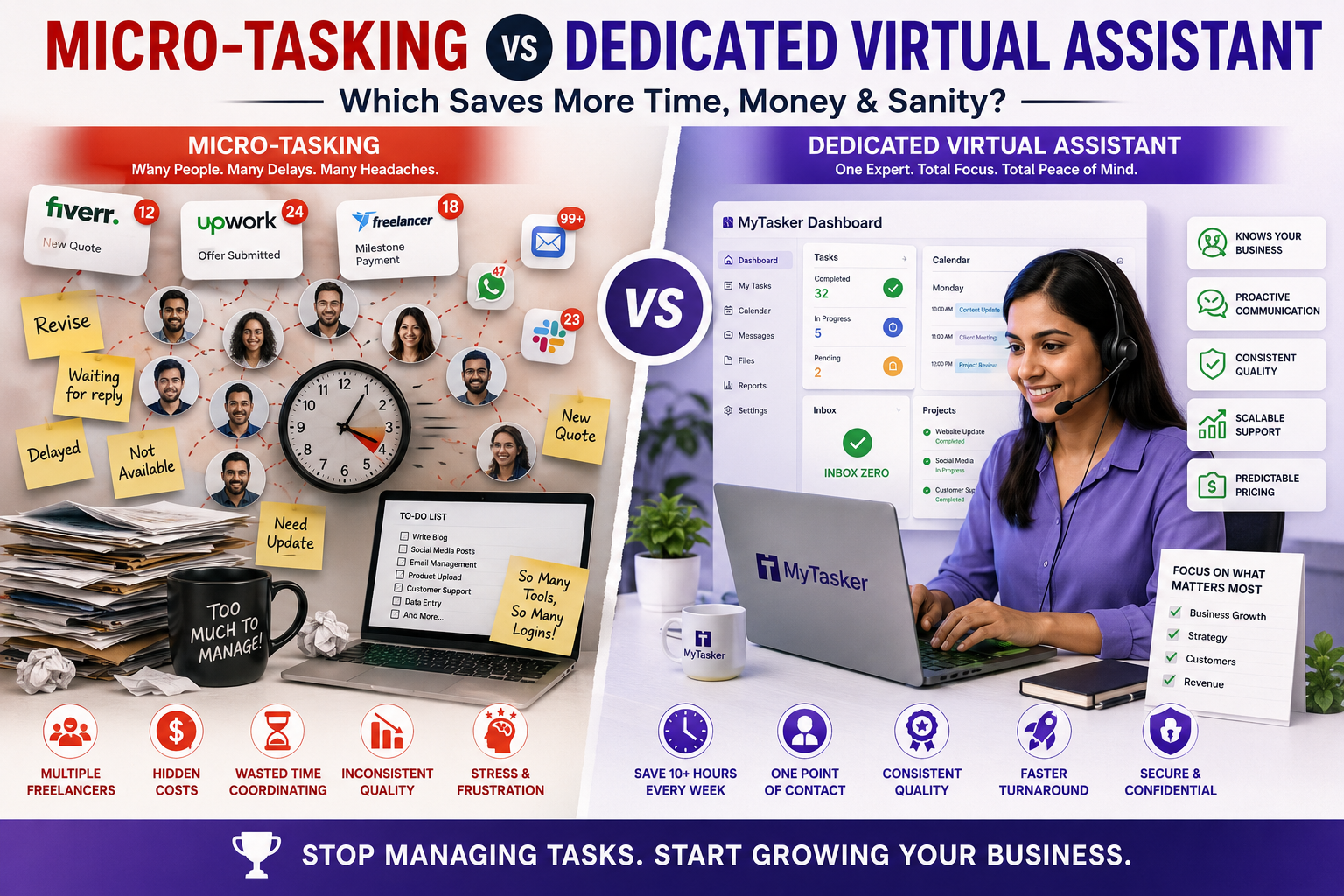
Suppose one option costs less but requires you to find the person, interview them, train them, create the processes, manage the work and find a replacement when they leave.
Another option costs more but handles those things for you.
The cheaper hourly rate may not be the cheaper arrangement.
Look at the total cost of getting the work done.
For a deeper breakdown of virtual assistant pricing, see our virtual assistant pricing guide.
Over the years, I have assisted more than 500 prospects who inquired about virtual assistant services. I always recommend two things: try our trial service first, and then start with a smaller plan, such as 10 or 20 hours.
If the requirement is full-time, I suggest spending more time during the trial and choosing the 40-hour plan. One week is usually enough to evaluate compatibility with the VA. Once the allocated hours are used, you can upgrade to the full-time plan.
About 70% of the time, this approach helps both the client and us build a fruitful, long-term association.
Managed service or independent freelancer?
Neither model is universally better.
They simply move the work around.
Managed virtual assistant service
A managed service may handle candidate selection, skills assessment, background checks, training, account management and backup support.
You pay more for that structure.
In return, you spend less time managing the arrangement yourself.
Independent contractor or freelancer
A freelancer can offer a lower headline rate and can be an excellent choice for the right business.
But the business owner usually carries more of the responsibility.
You find the person. Check their skills. Set up the tools. Explain the work. Manage performance. Deal with holidays and gaps in coverage.
Again, the question is not simply what you pay the assistant.
It is what the entire arrangement costs you.
If you are hiring in the United States, also understand the difference between a W-2 employee and a 1099 contractor. A label does not determine someone's legal classification. The actual working relationship matters.
When in doubt, get proper professional advice.
How to start without creating a mess
You do not need to outsource your entire business on Monday.
In fact, you probably should not.
Start small.
1. Watch where your time goes
For a few days, write down what you actually do.
Not what you think you do.
Look for recurring work that takes time but does not require your judgement or expertise.
Email. Scheduling. Data entry. CRM updates. Expense tracking. Customer enquiries.
You will usually find more than you expected.
2. Pick one process
Do not hand over twenty tasks at once.
Choose one.
Write down the steps. Better still, record a short video while you do it.
You do not need a beautiful manual.
You need something another person can follow.
3. Give away the process, not just the task
Instead of saying, "Please help with my inbox," define what that means.
Which emails should be answered?
Which should be flagged?
Which should be ignored?
Which should come to you?
The clearer the boundaries, the less back-and-forth you will have later.
4. Review closely at the beginning
The first few weeks are not the time to disappear.
Check the work.
Correct mistakes.
Improve the process.
Then step back.
If it works, give the assistant another process.
That is how you scale without creating chaos.
Protect your data
Your assistant may eventually have access to your email, CRM, financial information and internal systems.
Treat that access accordingly.
Use strong passwords and a password manager. Give people only the access they need. Keep sensitive information out of places where it does not belong. Have a clear process for removing access when someone leaves.
If you use a managed provider, ask how it handles background checks, data security, access control and offboarding.
Trust is important.
So is having systems that do not require blind trust.
The bottom line
A good virtual assistant does not simply take tasks off your list.
They create room for you to do better work.
That might mean selling more. Spending more time with clients. Fixing a broken process. Thinking about the next stage of the business. Or simply ending the day without another hundred small things waiting for you.
Start with work that does not need you.
Automate what is genuinely better handled by software.
Keep human judgement where it matters.
Document what you delegate.
Measure what you get back.
Then scale what works.
The question is not really, "Can I afford a virtual assistant?"
A better question is:
What is it costing me to keep doing work that someone else could do while the work only I can do remains unfinished?