Summary
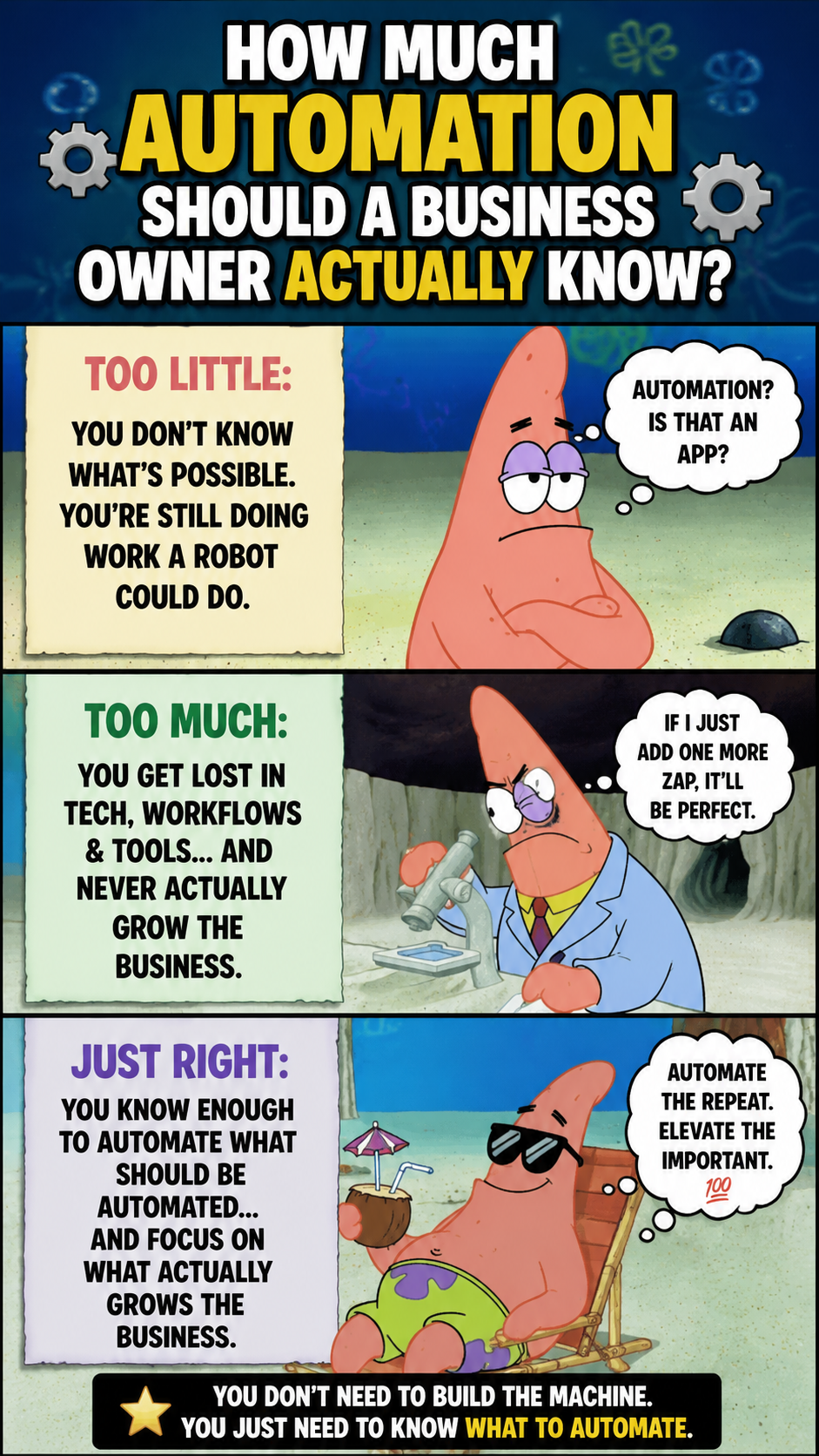
Neither should you be clueless on what to automate and stay stuck in repetitive tasks, nor become someone who spends weekends debugging workflows and mastering APIs unless you are a developer or run a workflow automation company.
Avoid these two extremes. Find the sweet spot: understand what tasks should and can be automated, how workflows function, and what stages or areas require human supervision. Focus on the concepts rather than the tools first.
Once the blueprint is ready. Find tools that fit your business and budget.
The right approach is simpler. Understand what should be automated, how workflows function, where human oversight matters, and which tools actually fit your business.
The Automation Trap
Many business owners feel automating workflows requires DevOps and a huge budget. So either they avoid it completely or start learning it, entering a technical rabbit hole. YouTube is filled with videos that eventually lead to some courses. Hundreds of tools. Hundreds of techniques. It is called an automation trap.
You don’t need a full-stack automation engineer to increase your operations' efficiency. But you cannot rely blindly on them either. An external developer can’t build your infrastructure without your input. You know your workflow and its significance the most.
You have to visualise automation workflows and be an Architect of Efficiency, focusing on leverage, not code.
Know what to automate
You must understand that automation does not mean efficiency. And if you rush to automate before streamlining your own processes (a very common mistake for new startups), it creates faster chaos in a huge volume than growth. One more common mistake that I have noticed is that oftentimes when people begin automating their business processes, they automate the steps that need human supervision, and the next step, where the automation comes in, gives erroneous or subpar results.
The purpose of automation must be defined with the following three rules. If any of these three boxes get checked, go for automation.
High Frequency
If a task is repetitive and has to be performed constantly throughout the day or week, whether it’s sending welcome emails, assigning leads, updating CRM records, or confirming bookings, it should be automated.
These tasks may seem small individually at the onset. However, when combined, they consume time, attention, and momentum.
Low Judgment
Any task that follows “if-then” or predictable rules with no human intuition (examples: Routing support tickets, sending reminders, Tagging leads, moving files between systems) should be automated.
On the other hand, responsibilities, such as customer negotiations and grievances, hiring decisions, and confidential conversations, should be reserved for human judgment.
Multi-App Data Transfer
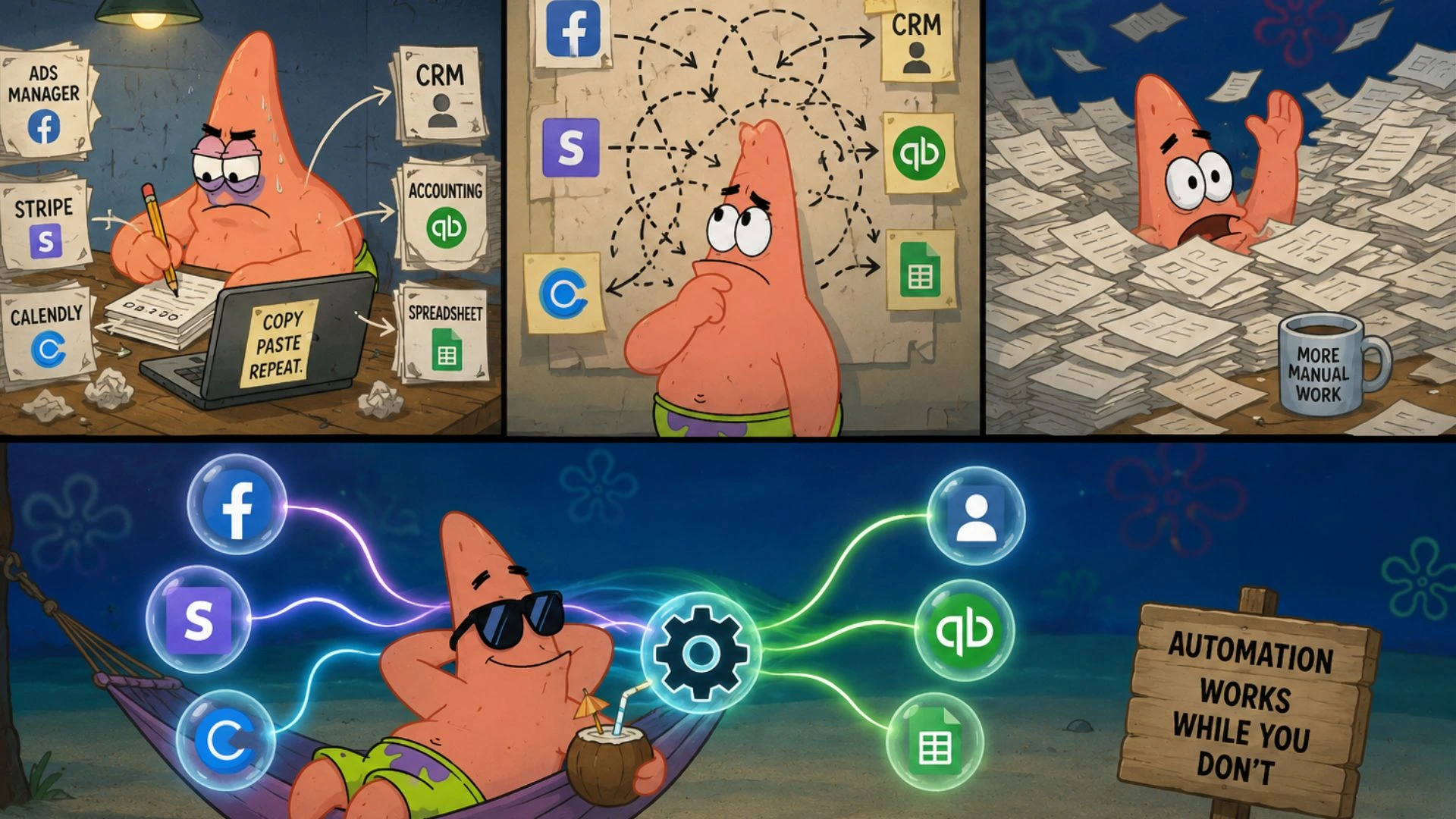
If someone on your team or you yourself still moves data from:
• Facebook Ads to a CRM
• Stripe to accounting software
• Calendly to a tracking spreadsheet
I’m sorry your workflow is fundamentally broken. Software should talk to software. You are for high-leverage decisions, creativity, and strategies.
Run a quick audit and look into every task that consists of copying and pasting. You will find gold mines of automation opportunities.
Master Process Mapping
Any workflow before its creation needs logical reasoning. It must prove its relevance first. And this is the very step where most automation projects get off track.
Messy operations turned into workflows without process mapping is no less than chaos.
You should know to divide a workflow into the following three components.
Triggers
The event that starts the automation.
Examples:
-
A customer submits a form
-
A contract gets signed
-
A payment is completed
Without a trigger, nothing happens.
Actions
The tasks that happen after the trigger.
Examples:
-
Create a project folder
-
Send an onboarding email
-
Generate an invoice
-
Notify the team
Actions are simply automated steps.
Filters & Conditionals
This is where decision-making enters the workflow.
For example:
-
If the lead budget is above $5,000, send to senior sales
-
If below $5,000, enter nurture sequence
This is what makes workflows intelligent instead of robotic.
A clear process map saves time, reduces development mistakes, and prevents endless back-and-forth with technical teams.
Most developers are not struggling with code. They are struggling with unclear instructions.
No Human Supervision (Automation Blunder)
The biggest blunder you can make while creating workflows is believing that automation can operate on its own. It might look so while creating it. But remember one thing: Problems are always unknown. And the future will prove it repeatedly.
Unsupervised systems lead to operational breakdown. One API failure, bad prompt, or incorrect workflow condition is capable of disrupting your entire digital operations.
You must always keep humans, be it yourself, your assistant (virtual or in-person), or colleague in the loop while creating and running workflows.
Let automation handle repetitive operational work, but place human approval gates around sensitive actions.
For example:
Instead of allowing AI to automatically send a proposal to a high-value prospect:
-
The system gathers the data
-
Drafts the proposal
-
Prepares the email
-
Places it into a review queue
Then a human approves it before it gets sent.
That single approval layer protects:
-
Brand reputation
-
Customer trust
-
Data accuracy
-
Communication quality
The real skill is knowing where automation should stop and human judgment should begin.
That decision belongs to leadership, not the software.
Understanding Your Core Tools
You do not need to master every software platform. But you absolutely need to understand the role each tool plays inside your business.
A modern automation stack usually operates across three layers.
The 3 Main Software Layers
The Command Centres
These are tools that connect separate platforms.
Examples include:
-
Zapier
-
Make
Think of them as operational glue. They move data between systems using APIs and webhooks.
The All-in-Ones
These platforms keep most operations inside a single ecosystem.
Examples include:
-
HubSpot
If your workflows mostly involve sales, CRM management, and marketing, keeping operations native inside these tools is usually faster and cheaper.
The Brains
These are AI systems and large language models.
Examples include:
-
OpenAI API
-
Claude
-
Gemini
These tools are useful for:
-
Summarizing conversations
-
Categorising support tickets
-
Generating drafts
-
Analysing customer sentiment
-
Structuring unorganised data
Understanding these layers helps prevent overpaying for unnecessary software or building custom solutions for features that already exist.
When to Build. When to Delegate.
As technical complexity increases, your personal involvement should decrease.
Simple workflows are worth building yourself because they teach you how your systems behave.
For example:
-
Connecting Calendly to Google Sheets
-
Setting up a lead notification
-
Creating a simple email sequence
These tasks are low-risk and help you understand workflow logic.
But once workflows become cross-departmental, your role changes.
If data starts moving between:
-
Advertising systems
-
CRMs
-
Finance tools
-
Project management platforms,
You should focus on mapping the blueprint instead of building the workflow yourself.
And when custom code enters the picture, step away completely.
If a project requires:
-
Javascript
-
Raw API integrations
-
Database engineering
-
Complex webhook handling
-
Web scraping
Your time is better spent defining the business outcome instead of learning technical implementation. Hire an automation expert.
Frequently Asked Questions (FAQs)
Do I need to know programming languages like JavaScript or Python to build automations?
No. And if you're a business owner, that's certainly not. Various automations that are popular and widely used are no-code and low-code platforms designed specifically for non-technical operators.
Most workflows can be built visually using triggers, actions, and conditions like a line drawing.
Programming is only needed for highly specialised workflows or advanced custom integrations. You can delegate that part to a coder, too. Plus, chatbots are always their guide.
How do I choose between an all-in-one platform and an integration tool?
Choosing between an all-in-one platform and integration tools comes down to operational simplicity vs customisation. Start with all-in-one platforms like HubSpot or GoHighLevel for easier management, one login, and faster execution.
As your business grows, you might look for tools like Zapier, Make, or n8n for advanced customisation. By the way, they require more time, coding knowledge, maintenance, and technical supervision. And comparatively, they make the implementation of any new workflow slower, and getting multiple APIs can be an expensive affair.
What are the security risks of automating customer data across multiple apps?
Integrations do create potential threats of data exposure. API breaches can give unauthorised access to your entire work ecosystem. It can lead to data corruption, duplication, and compliance issues.
However, it does not mean automation is unsafe. You need to create systems with proper access control and supervision.
The best practices include using encryption, securing AI handling, and proper permission management. Never give any tool more access than what is actually needed.
How often should workflows be audited?
At least, it should be audited quarterly. Treat it like operational infrastructure, not a one-time setup. At regular intervals, review:
-
Workflow failures
-
Data accuracy
-
API changes
-
Outdated steps
-
Performance bottlenecks
With your business and needs, your workflows should evolve too.
What happens if a third-party API goes down?
The connection between your app and external services breaks. Features that rely on APIs stop working. The app slows down. And data gets corrupted. Workflows stop immediately.
Create systems that log failures and stop them in one part of the system from corrupting the data or performance of the next stages. Notify the team instantly, store the affected data safely, and always have a Plan B in place.
Conclusion: The Bottom Line
You don’t need to become an automation engineer unless you have a knack for it, or it is your bread and butter.
You must become a strategic operator to get the maximum benefits from automation. Be a person who understands triggers, actions, conditions, and workflow logic. So that you can guide technical teams, delegate tasks with clarity, and help in reducing operational chaos.
Build systems your team can trust and scale without chaos.
The definition of success and efficiency won’t be defined by the might of employees or software, but the clarity in workflows and operations.