A parallax scrolling website makes the background move slower than the foreground, creating a 3D depth effect while scrolling.
You can create it using:
-
Pure CSS: Add
background-attachment: fixed;to background images for simple section-based parallax. -
CSS + JavaScript: Use
scrollevent listeners andtransform: translateY()for multi-layer motion control. -
No-Code Tools: Platforms like Wix or Webflow, or libraries like Rellax.js and React Spring Parallax, offer built-in effects.
Keep movements subtle, test for mobile performance, and avoid using parallax on every section to maintain smooth, user-friendly design.
Now than ever, businesses need to have eye catching and appealing websites for attracting the target audience.
But, what would be an influential way to embrace such appealing effect?
Well, try-out parallax designs and bring it on!
What is a parallax website?
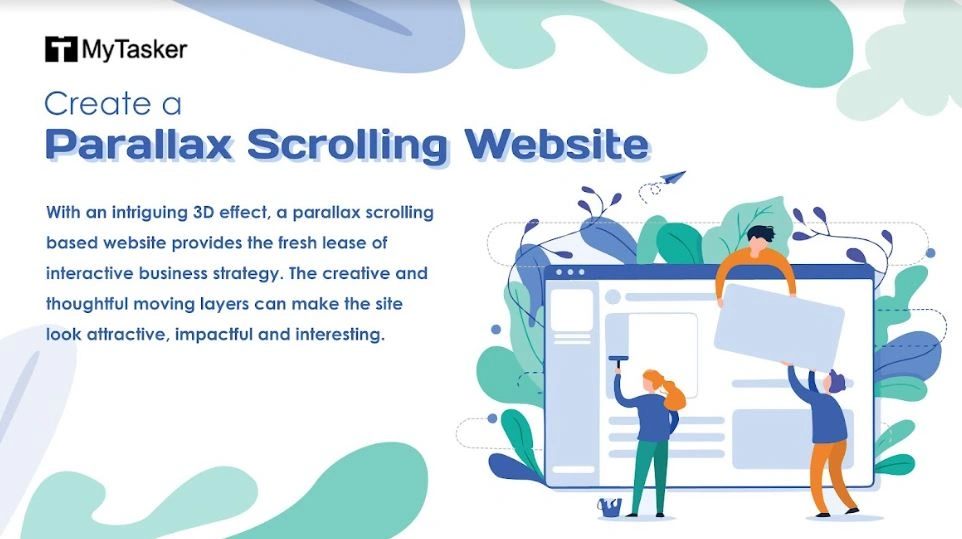
With an intriguing 3D effect, a parallax scrolling based website provides the fresh lease of interactive business strategy. The creative and thoughtful moving layers can make the site look attractive, impactful and interesting.
The background moves at different speeds like the rest part of the page, which in turn creates an outstanding and captivating visual effect.
This kind of a web design is ideal to keep the visitors engaged for the maximum time possible and the big brands have also developed a liking towards this popular website design trend.
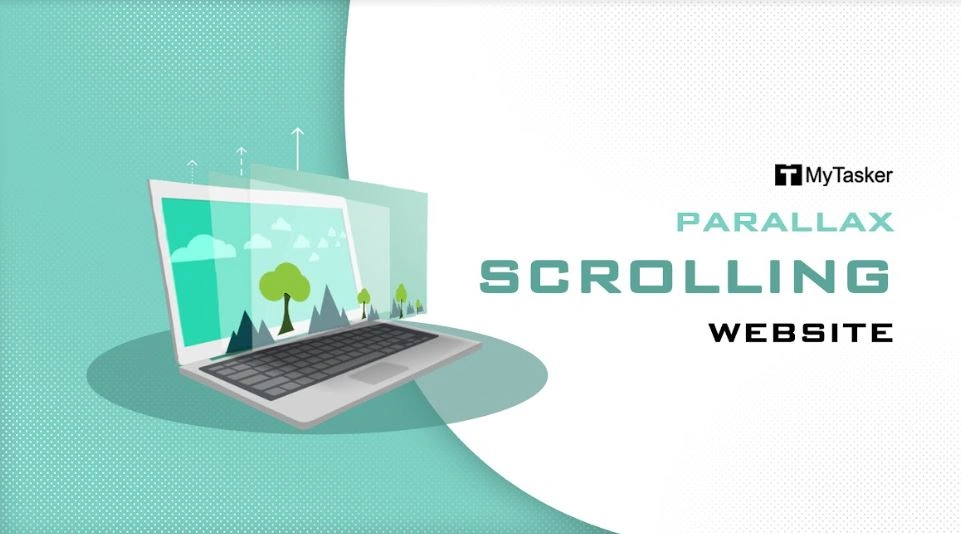
Derived from the Greek term “Parallàxis”, Parallax scrolling is a technique used in computer graphics or web design where the background images move slower than foreground images, thus creating an illusion of depth and immersion.
It can be overwhelming to create a perfect masterpiece, so the tips below will come of immense utility to create the impeccable parallax scrolling website.
It can be overwhelming to create a perfect masterpiece, so the tips below will come of immense utility to create the impeccable parallax scrolling website.
How to Make a Modern Parallax Scrolling Website
A parallax website isn’t just scrolling—it’s an experience. Done right, it grabs attention, tells your story, and keeps visitors glued to the page. Here’s how to do it.
1. Pick Your Parallax Style
There are four ways to make your site feel alive:
-
Layered Method: Multiple background layers move at different speeds—instant depth.
-
Sprite Method: One big image shown in sections—great for menus or interactive effects.
-
Repeating Pattern: Floating tiles appear over a repeating background as users scroll.
-
Raster Method: Sequential pixel refreshes for subtle, eye-catching movement.
Pick the style that fits your content and vibe.
2. The Parallax Intro
Parallax scrolling is all about motion and depth. A large background image stays mostly fixed while the foreground moves, revealing just the right parts as you scroll.
-
Use offsets to make animations start earlier—this creates a wow factor.
-
Text and content blocks can appear one after the other, keeping your page dynamic and engaging.
3. Make Features Pop
Your feature section is where you show what your brand can do.
-
Big, animated icons and bold text grab attention.
-
Elements coming in from different directions make it feel alive.
-
Parallax turns a simple feature list into a visual story your audience remembers.
4. About Us & Gallery
Scroll animations here can turn casual visitors into fans:
-
Rows of images moving in opposite directions draw the eye naturally.
-
Subtle motion keeps people exploring and stops them from bouncing.
-
Visual storytelling helps your brand connect emotionally with your audience.
5. Dynamic Footer
Even the footer can be interactive:
-
Search bars that expand as you scroll, animated CTAs, or freebie sections keep visitors engaged until the very end.
-
A footer like this isn’t just functional—it’s memorable and actionable.
A modern parallax site is more than a trend—it’s a tool to guide attention, wow visitors, and drive action. Done right, scrolling stops being just navigation and becomes an experience your audience loves.
Parallax Video Guides
If you are still a bit in jitters about how to make a parallax scrolling website, then an online tutorial guidance can be of immense help. Although the skills and expertise of a professional are required to create a parallax website, guidance tutorials are always helpful in providing helpful tips for developing a wonderful website.
Pure CSS Methods (Easy & Fast)
-
Easiest Pure CSS Parallax Effect (5 min)
A quick, beginner-friendly tutorial using only HTML and CSS.
Watch on YouTube -
True Parallax with CSS-only (Kevin Powell)
An advanced approach using CSSperspectiveandtranslateZfor a genuine multi-layered effect.
Watch on YouTube
CSS + JavaScript Methods (Advanced & Customizable)
-
Simple Parallax Scrolling Effect with CSS & Vanilla JavaScript
Demonstrates how to create a scroll-triggered effect using Vanilla JavaScript.
Watch on YouTube -
How to Make Parallax Scrolling Website in HTML, CSS & JavaScript
A comprehensive guide covering the full code structure for building a modern parallax scrolling page.
Watch on YouTube
No-Code Platform Tutorials (For Designers)
-
Wix Tutorial For Beginners Parallax Scroll
Shows how to use the Wix Editor's built-in scroll effects to apply parallax to background images or strips.
Watch on YouTube -
Parallax Movement on Scroll (Webflow University)
Webflow's official tutorial demonstrates using the Interactions Panel to create complex, multi-layered parallax effects.
Watch on Webflow University
Top 5 Website Builders for Parallax Scrolling
Parallax scrolling has evolved from a custom-coded effect to a standard feature in many top website builders. The best builders allow you to achieve the effect without writing code, but they differ in the level of control and complexity they offer.
1. Webflow – Maximum Control
Best For: Professional designers & highly custom, complex effects.
Parallax Implementation Method: Interactions Panel: Visually set element speed, direction, and triggers on scroll.
Level of Control: Maximum. Allows layered parallax, custom element movement (not just backgrounds), and 3D transforms.
Tutorials:
2. Wix – Ease of Use
Best For: Beginners, small businesses, and ease of use.
Parallax Implementation Method: Strip Settings: Select a background element (image or video) and choose "Parallax" from the scroll effects menu.
Level of Control: Easy. Primarily for background images (fixed background effect), but very fast to implement.
Tutorials:
3. WordPress (Elementor / Divi) – Power with Plugins
Best For: Users needing a large ecosystem, powerful CMS, and plug-in flexibility.
Parallax Implementation Method: Page Builder Plugins: Premium page builders like Elementor Pro or Divi have dedicated parallax settings for backgrounds and element motion.
Level of Control: High. Requires a third-party plugin but offers greater customization than Wix/Squarespace.
Tutorials:
4. Framer – Interactive & App-Like
Best For: Designers focused on interactive, app-like websites and modern animations.
Parallax Implementation Method: Visual Properties: Uses its native animation and interaction tools (built on Framer Motion) to define scroll transforms.
Level of Control: High. Excellent for smooth, performant scroll effects and micro-interactions.
Tutorials:
5. Squarespace – Visual & Minimalist
Best For: Visual artists, photographers, and those prioritizing beautiful, minimalist design.
Parallax Implementation Method: Section Settings: Applies a simple parallax effect to background images within certain page sections (often referred to as a "fixed" background).
Level of Control: Limited. Excellent default templates, but customization of the effect is less granular than Webflow or Elementor.
Tutorials:
Summary of Differences
-
For Maximum Freedom: Webflow is the industry leader for precise, customizable scroll animations. It operates like a visual coding tool.
-
For Simplicity & Speed: Wix is the fastest way to get a basic parallax effect on a background image or video strip.
-
For Power with Plugins: WordPress is the most popular, but you must use a powerful page builder like Elementor to get genuine, code-free parallax effects.
-
For Interactive & App-Like Designs: Framer offers modern animations and smooth scroll effects.
-
For Visual & Minimalist Designs: Squarespace provides beautiful, minimalist templates with basic parallax functionality.
Points to remember about parallax website
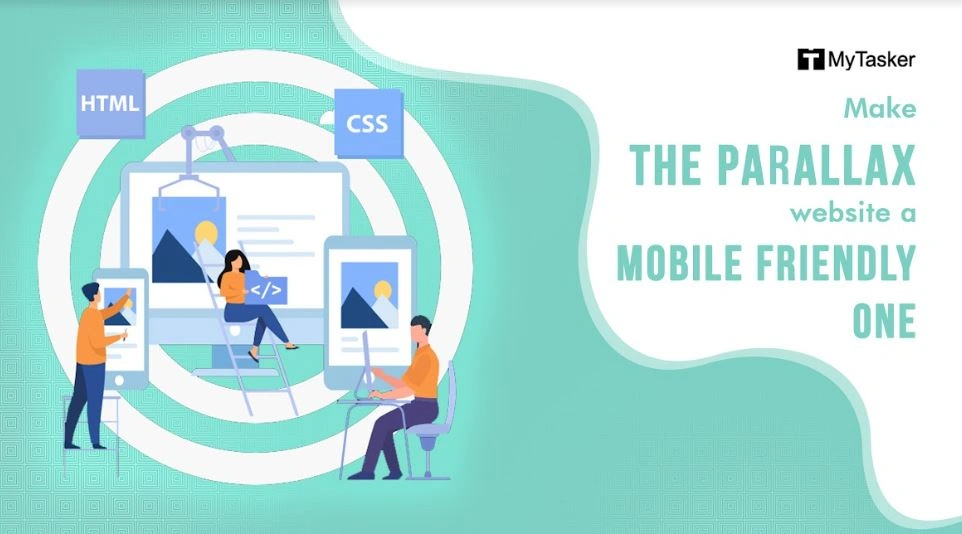
Make Your Parallax Website Mobile-Friendly: Make the parallax website a mobile friendly one. Opting for a responsive design is going to get you accolades and make the online venture a success story.
Use Parallax Scrolling Wisely: Parallax scrolling is a very cool web technology, but using it unnecessarily can spoil the fun element.
Tell Your Business Story Through Scrolling: Scrolling down a website can be made interesting, if you decide to tell the visitor about your business story. Engaging and highly enriching, it’s a fun way to make your website look impactful.
Leverage Strong Calls to ActionHarness call for action: The “next button” and “shop now” guide the visitors’ and entice them to take initiative and call for action.
Experiment with Depth and Layering: Parallax is about the illusion of depth. So, experiment with it and with perfect layering with depth, the illustrative webpage surely looks classic and worthy.
Avoid Overdoing Parallax Effects: Never overdo with parallax designing, or else the visitors will be blinded by its beauty, without having proper understanding about the website!
Perform Cross-Browser Testing: Don’t forget cross browser testing for parallax websites.
So, if you are wondering how to make a parallax website, then the above-mentioned points will surely make the picture and concept crystal clear. Nevertheless, the need for a professional cannot be ignored for creating a perfect parallax scrolling website.
“The first impression is definitely the last impression.”
Therefore, if you are looking to impress the visitors’ and have a lasting impact on their minds, then this web design is a perfect choice, catering to your needs to grab the immediate attention of the online browsers.